Hello!
Ozy's Website

A Computer-Science student from JiLin University

Welcome🎈

🔍
My game🕹️

Tic-Tac-Toe

Tic-Tac-Toe

Play with friends or challenge the computer.
Install from:
/Tictactoe_Setup/
Release/Tictactoe_Setup.msi

🎮 Game Introduction

Tic-Tac-Toe is a classic two-player game played on a 3x3 grid. The first player to align three marks horizontally, vertically, or diagonally wins. If all 9 squares are filled with no winner, the game ends in a draw.

🕹️ How to Play

  • 👫 Two-player mode: Play with your friend on the same device.
  • 🤖 AI mode: Challenge the computer with two difficulty levels: Easy and Hard.
  • 🖱️ Simple controls: Just click on the squares to make your move.
  • 🏆 Automatic win detection: The game will announce the winner or a draw automatically.

📷 Screenshots

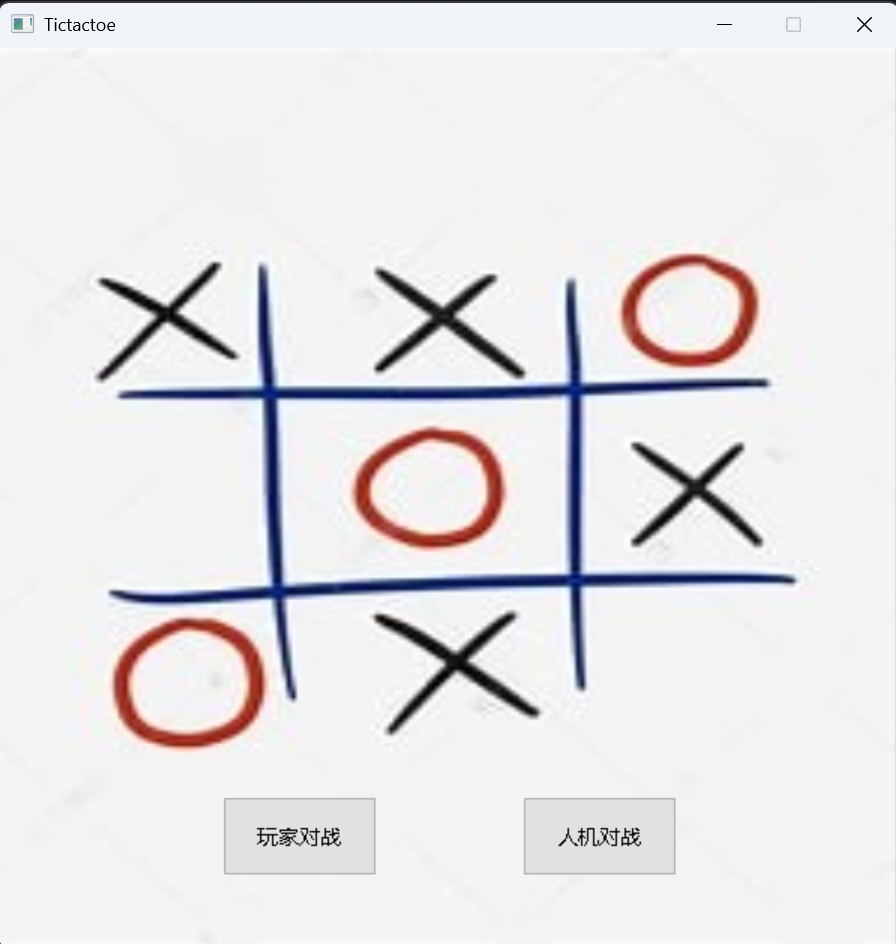
You can choose to play against a friend or the computer.

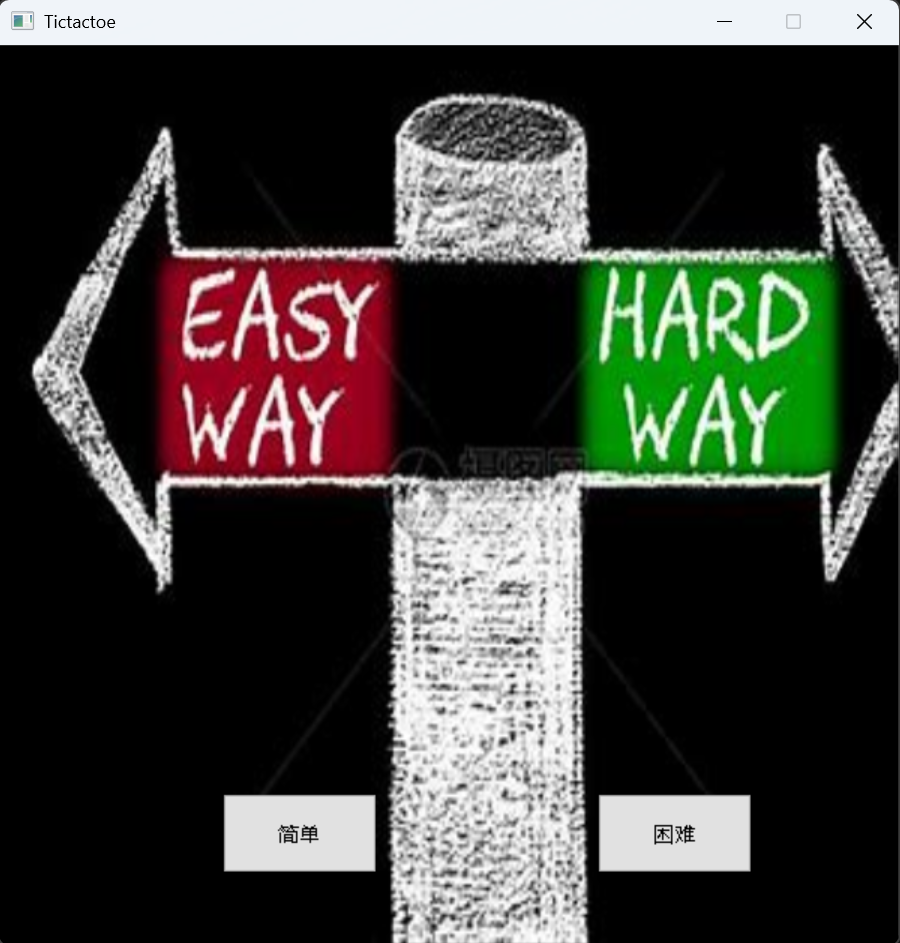
Available difficulty levels: Easy and Hard.

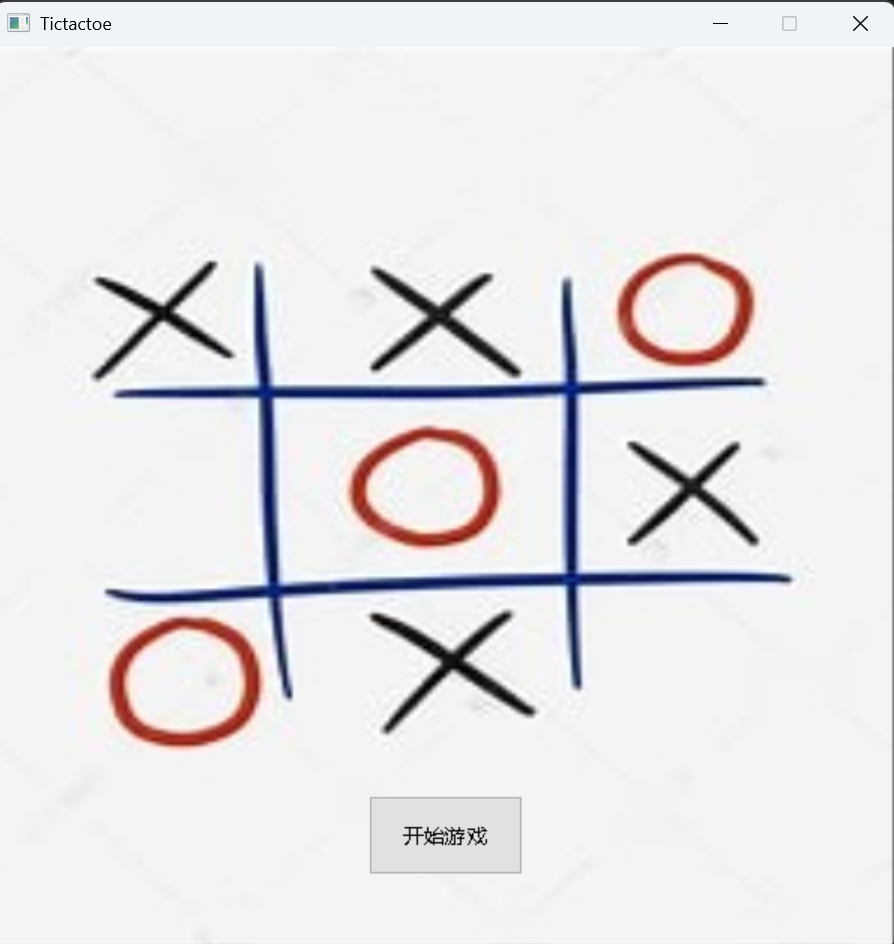
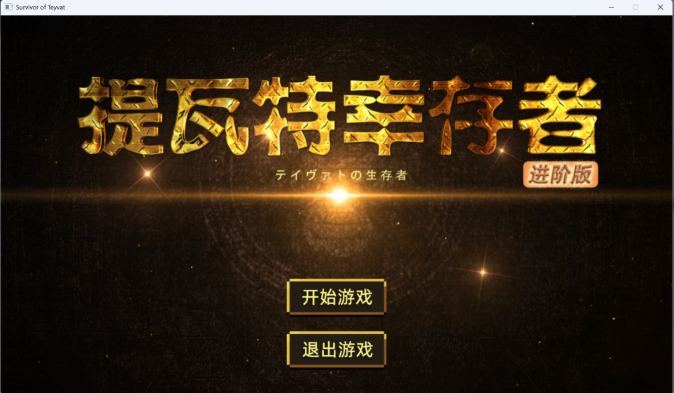
Game start screen.

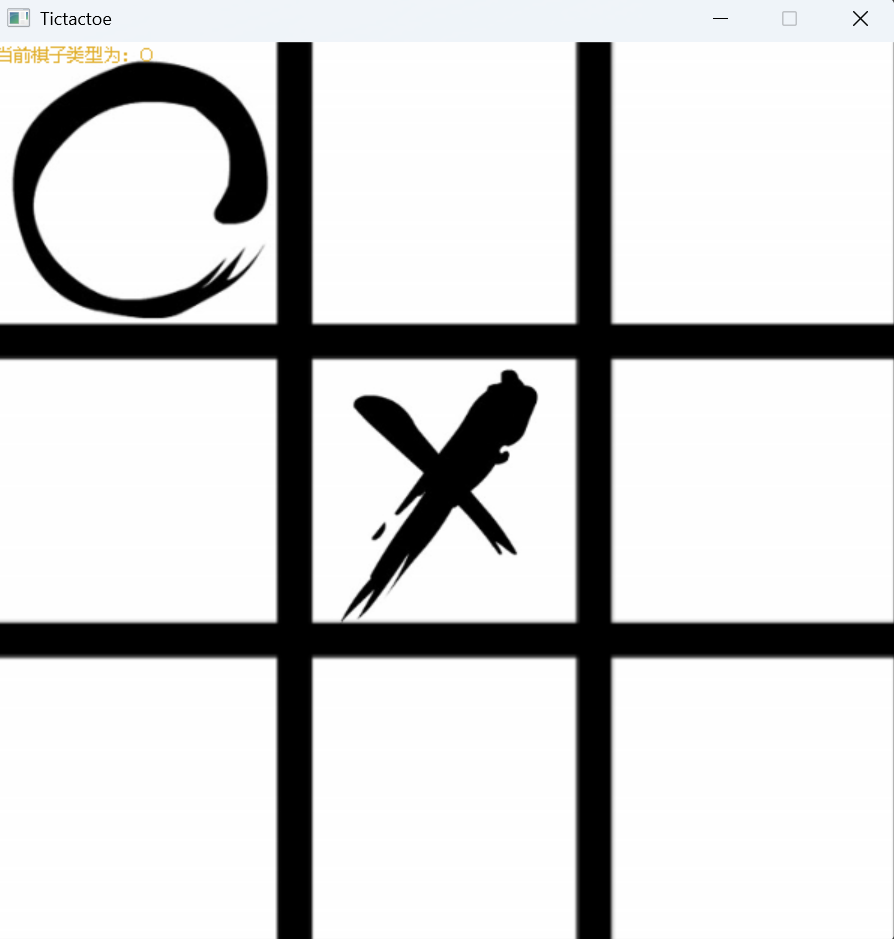
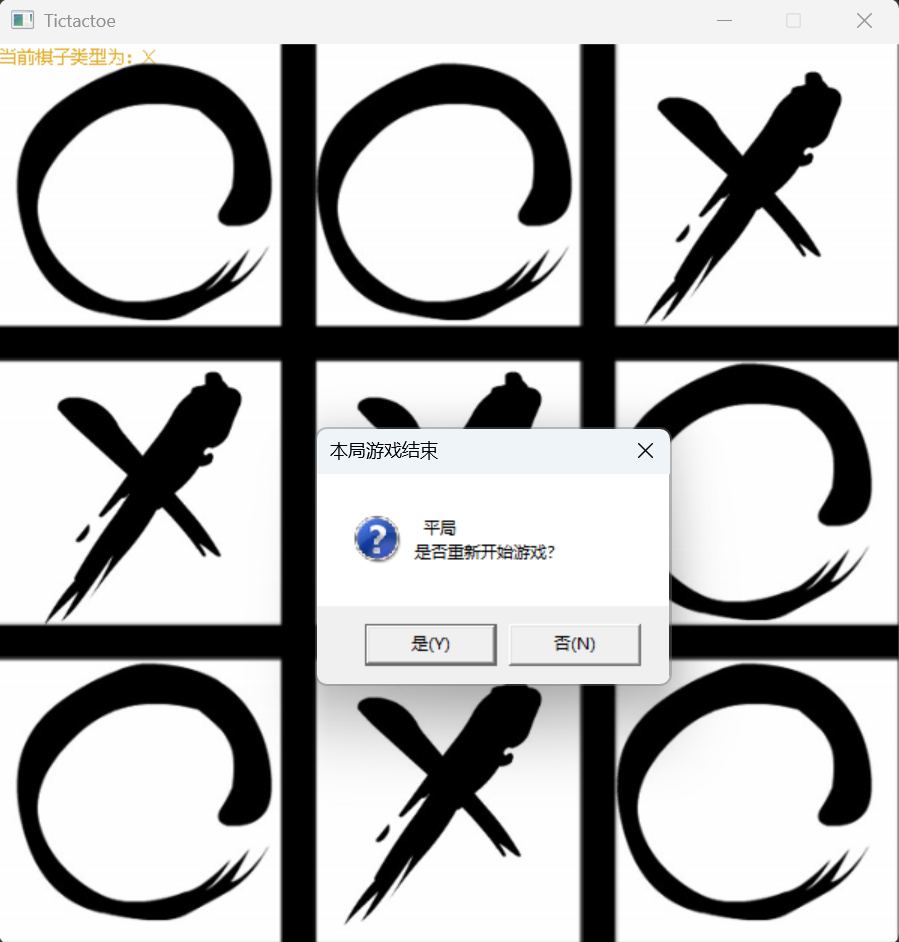
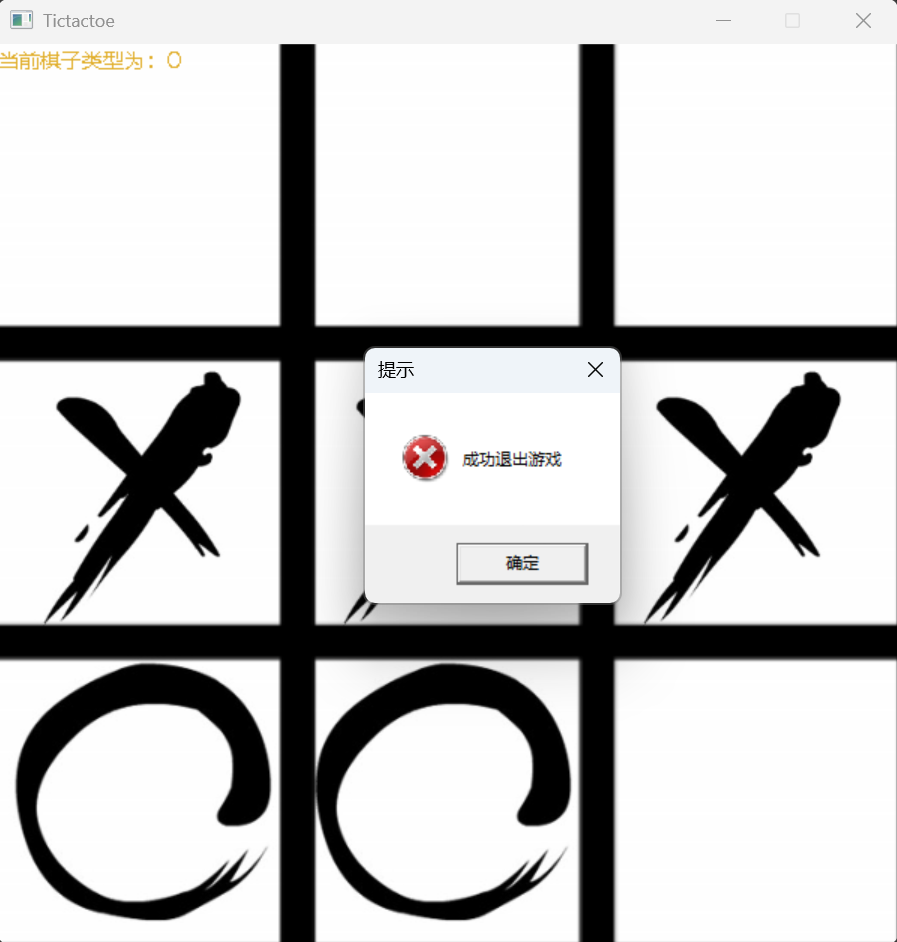
Game over screen. You can choose to play again or exit.

For detailed information, please check the GitHub repository: https://github.com/jlu005807/Tictactoe

My game🕹️

Survivor-of-Teyvat

Teyvat

An educational roguelike game.
Install from:
/Survivor-of-Teyvat_Setup/Release

🕹️ Game Introduction

Survivor-of-Teyvat is a roguelike game where your goal is to score points by defeating enemies. The number of energy orbs around you represents your health. Each monster has unique characteristics—explore and discover them!

⚙️ Features

  • 🧑‍🎮 Character selection: Choose your favorite character to play.
  • ⚔️ Monster challenge: Each monster has unique skills and behaviors.
  • 💡 Skill variety: Use different skills to defeat enemies.
  • 📈 Score system: View your score and results at the end of each game.

📷 Screenshots

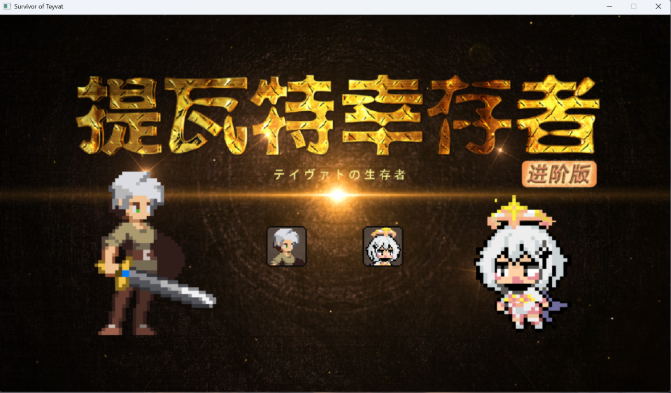
Select your favorite character from the character selection screen.

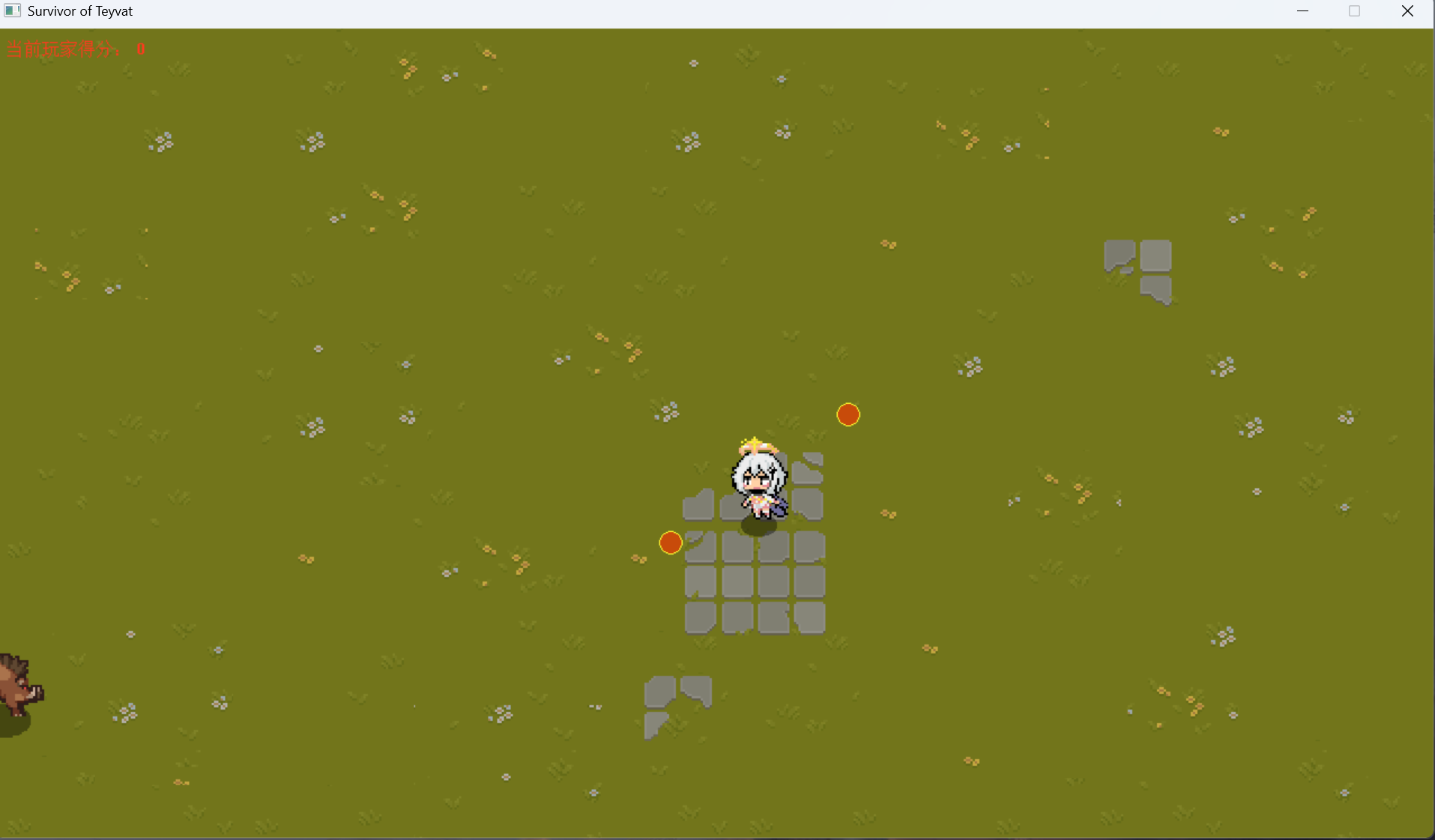
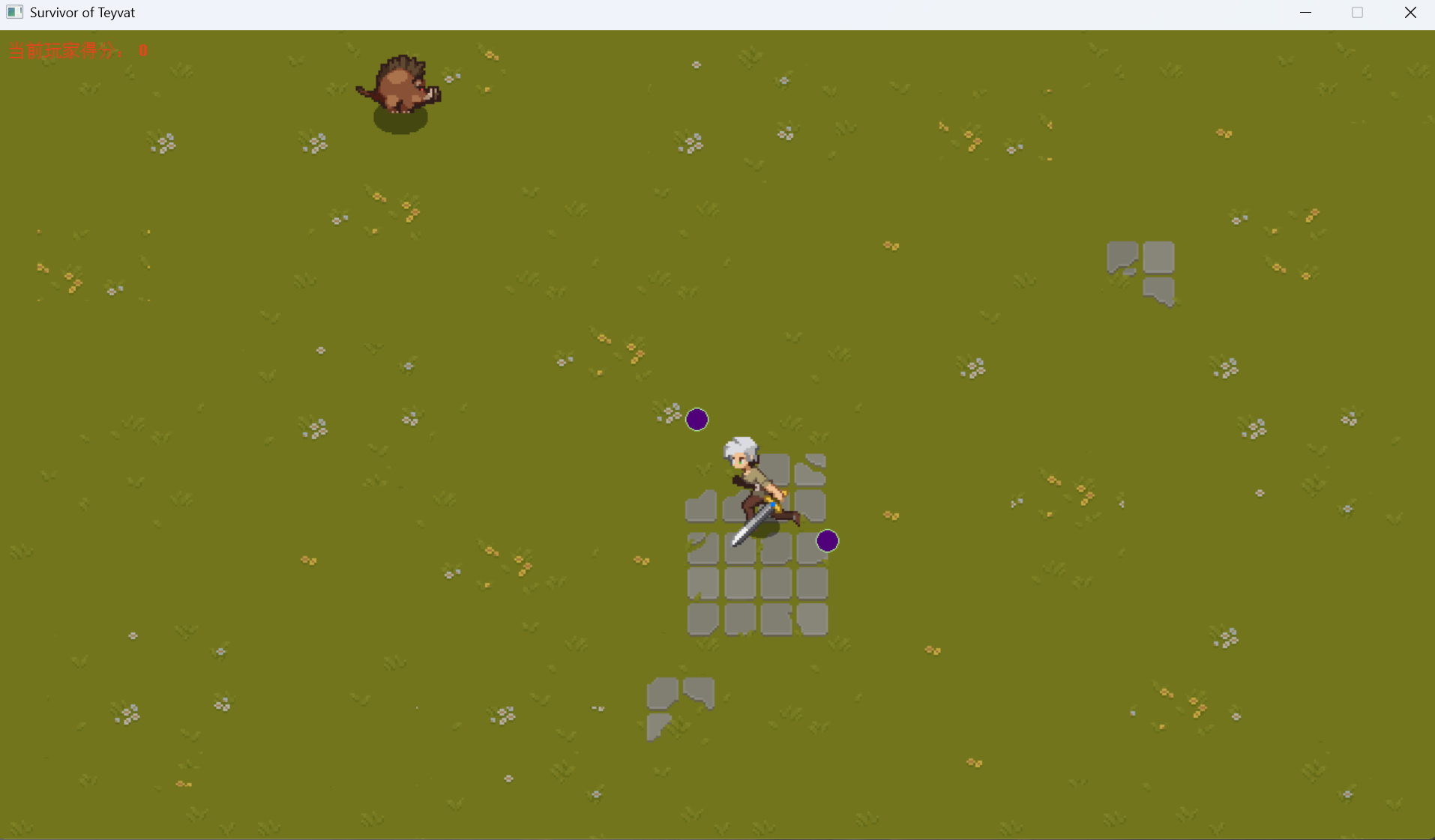
Control your character using the arrow keys or WASD. Attack enemies using energy orbs.

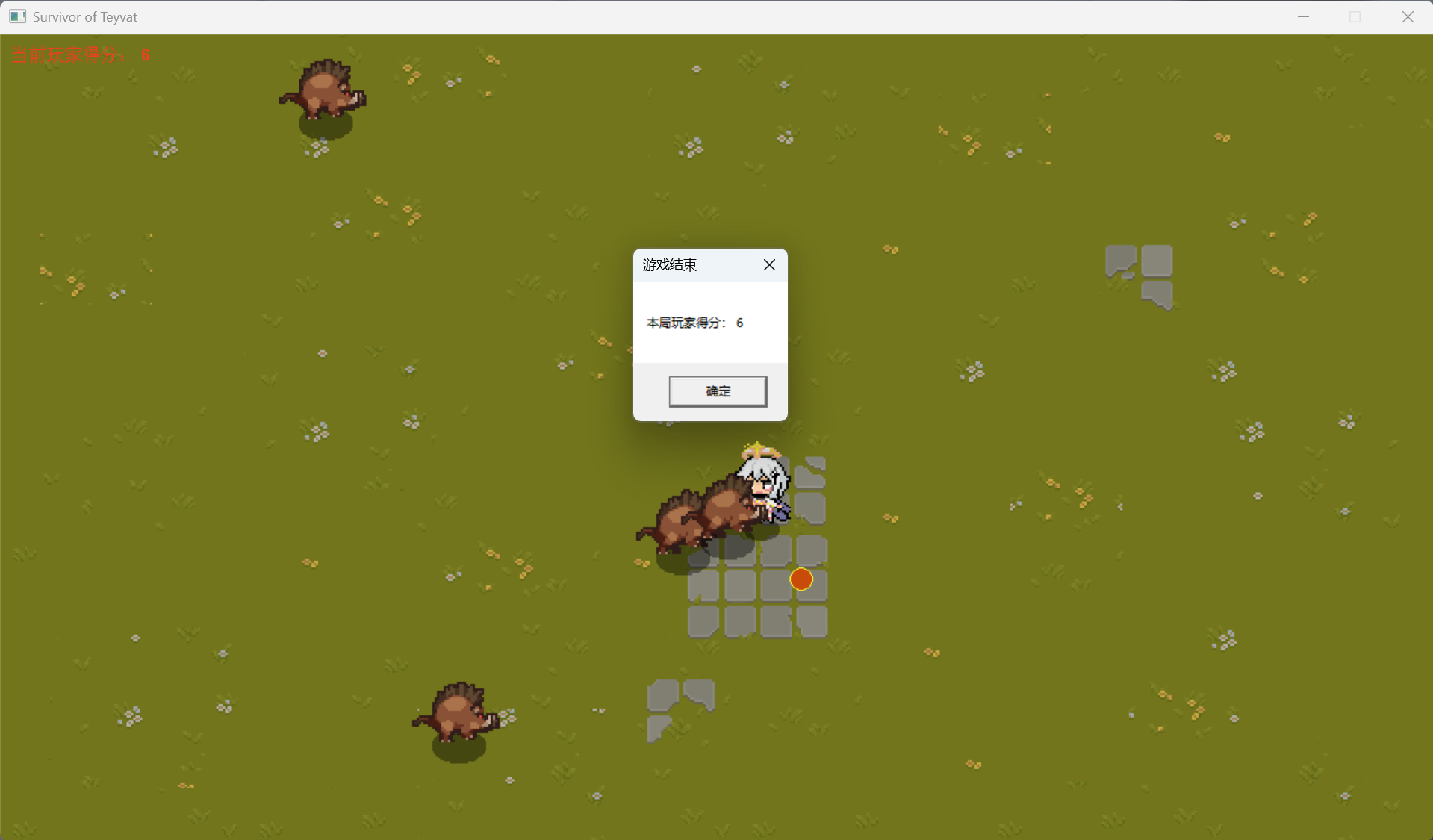
At the end, view your score and game results.

For detailed information, please check the GitHub repository: https://github.com/jlu005807/Survivor-of-Teyvat

My Project📚

docs.ozy

docs.ozy

A documentation site for learning notes.
Visit: docs.ozy

📚 Project Introduction

Hello, this is a documentation site by a computer science student, mainly for recording my learning journey.

Here you'll find my carefully organized (but not guaranteed to be absolutely correct) study notes and a bunch of messy, non-standard code written while learning. I suggest browsing with a critical mindset—don't assume the notes are always right. "Believe everything in books, and you'd be better off without books." Practice is the only criterion for testing truth. If you encounter doubts or think something is incorrect, please verify by writing code or researching. Of course, if you find issues, feel free to let me know for corrections. Thanks in advance for your suggestions!

📖 Content

  • 💻 C++: Programming language fundamentals and advanced topics
  • 🔍 Data Structures & Algorithms: Core concepts and implementations
  • 🖥️ Operating Systems: System principles and mechanisms
  • ⌨️ Command Line Tools: Terminal and shell commands
  • 🔧 Computer Organization: Hardware principles and architecture

🔗 Resources

The HTML pages correspond to original Markdown files located in the docs directory. You can explore the source files on GitHub.

Also check out my main site ozy.website for more about me and my projects!

If you've read this far, please consider giving a ⭐ to docs.ozy and other repositories you find interesting!

📷 Preview

This is the overall effect, with the table of contents on the left and the main content on the right.
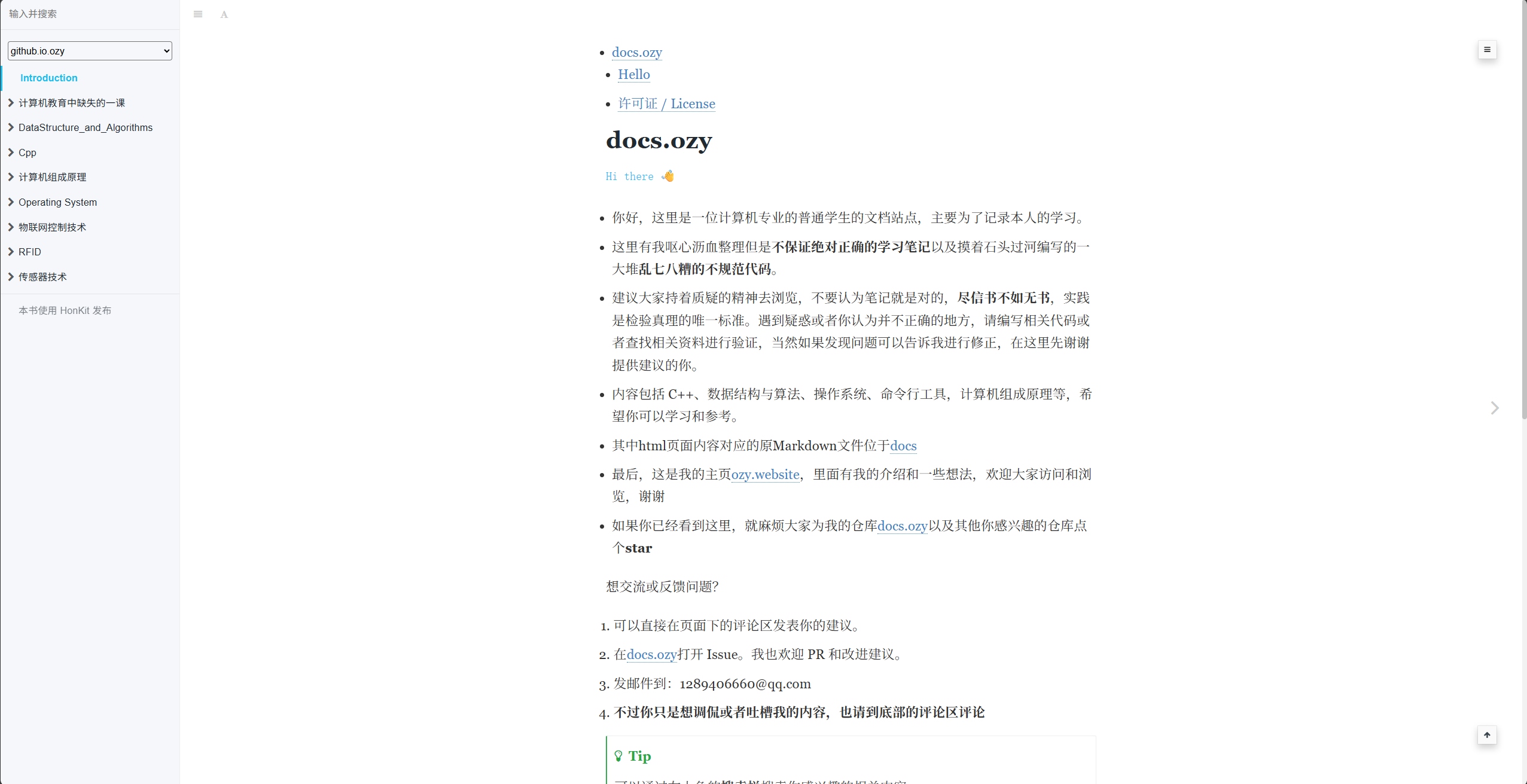
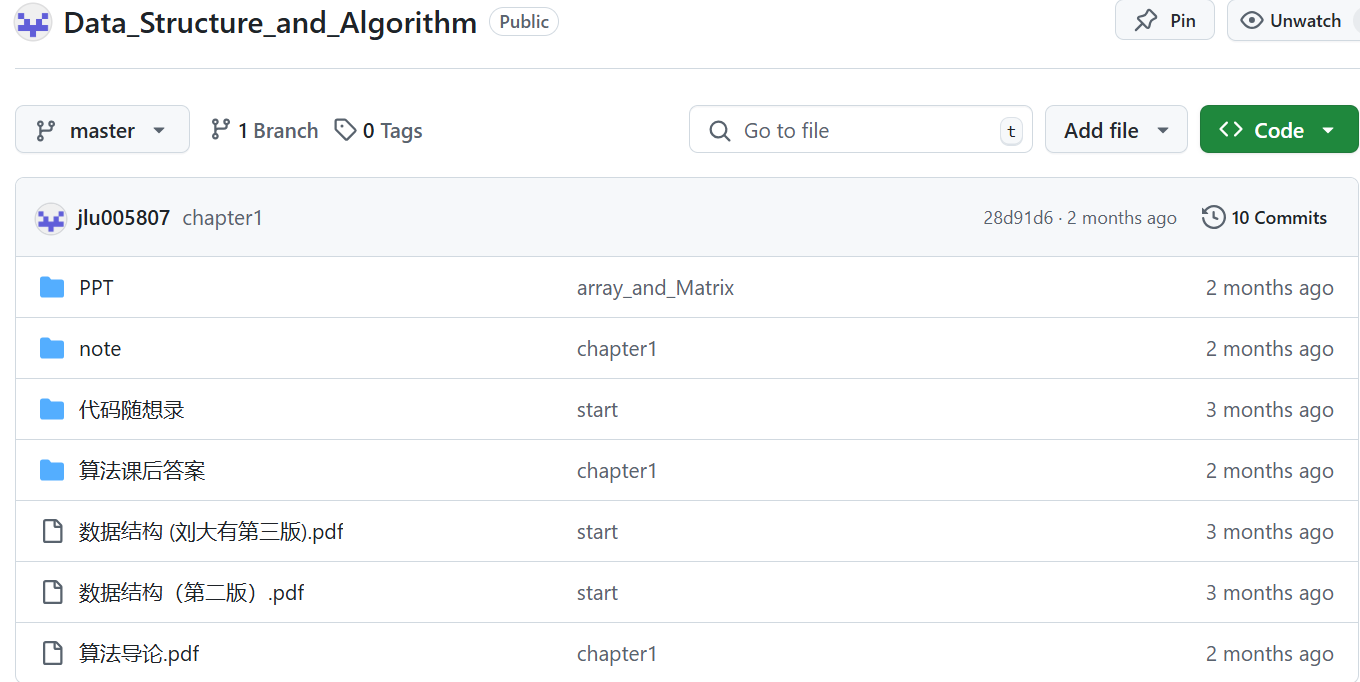
Below are plugins I wrote for Honkit myself: one adds the Giscus comment system to each page, and the other is a plugin for customizing article footnotes.

There is also a comment section at the bottom of each page for you to leave messages.
Finally, it's my custom footnote.
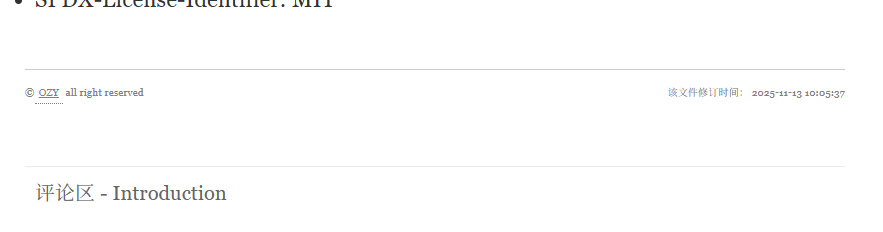
For detailed plugin information, please see:honkit-plugin-add-giscus and honkit-plugin-tbfed-pagefooter

For detailed information, please visit: https://jlu005807.github.io/docs.ozy/

My Project📷

photo.ozy

photo.ozy

My personal photo album collection.
Visit: photo.ozy

📷 Photo Album

Welcome to my photo album! This is where I store and share my personal photo collection, capturing moments from daily life, travels, and special occasions.

✨ Features

  • 📸 Photo Gallery: Browse through organized photo collections
  • 🖼️ High Quality: View photos in their original quality
  • 🎨 Clean Design: Simple and elegant photo viewing experience
  • 📱 Responsive: Works seamlessly on all devices

🌟 About

This photo album is a personal space where I share glimpses of my life and experiences. Each photo tells a story, and I hope you enjoy browsing through them!

📷 Preview

Photo album homepage with gallery view.

First is the horizontal view, where you can scroll the wheel or drag the page to move left and right to view images.

Next is the grid view, which allows you to browse like an album.

Browse through different photo collections.

For detailed information, please visit: https://jlu005807.github.io/photo.ozy

My Project🧑‍💻

CPU

CPU Design

A CPU design project, including MIPS32 and LA32R implementations.
Download the files to learn more.

🖥️ Project Introduction

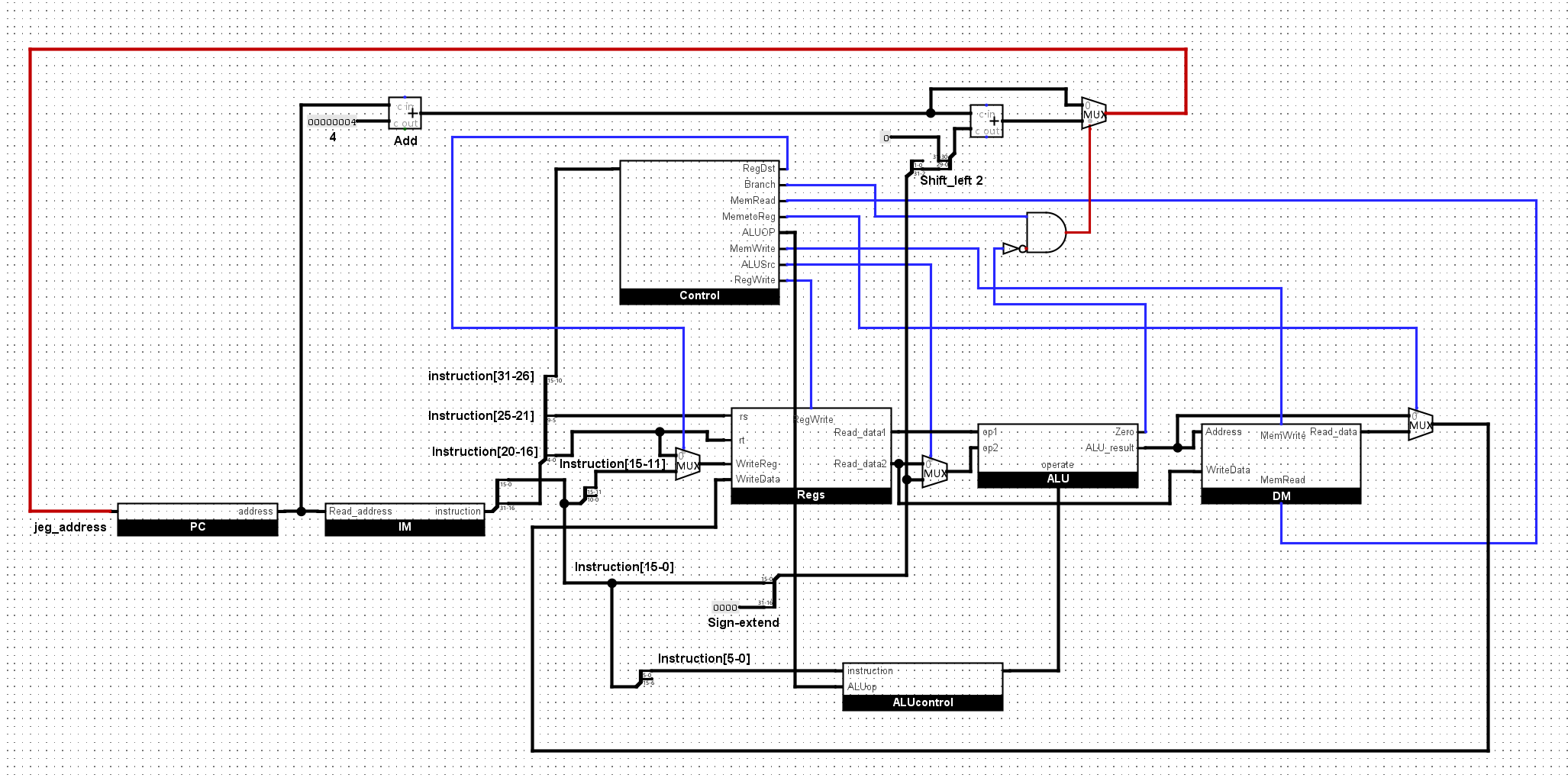
This project focuses on CPU design, featuring both MIPS32 and LA32R architectures.

Note: The MIPS32 and LA32R implementations have only passed their respective Lab1. The design includes BTB (Branch Target Buffer) and BHT (Branch History Table) for branch prediction, and uses bypass forwarding to resolve data hazards.

🔑 Key Features

  • 📊 Architecture comparison: MIPS32 and LA32R implementations.
  • 📄 Design documents: Detailed documentation for each architecture.
  • 🔗 PDF downloads: Downloadable resources for in-depth study.
  • 💡 Educational value: Suitable for learning CPU design principles.

📷 Screenshots

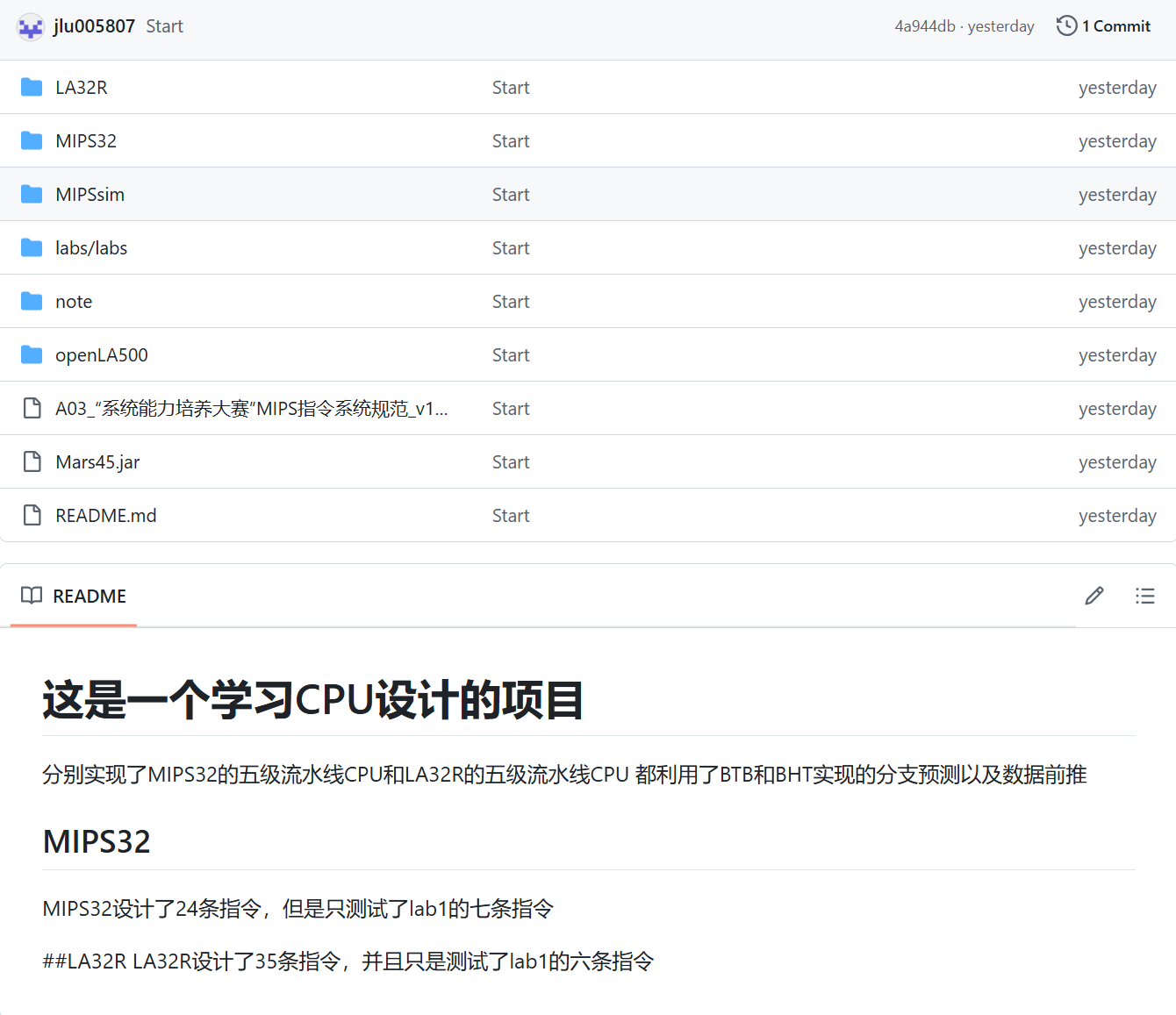
The MIPS32 and LA32R implementations are organized in separate subdirectories.

For detailed information, please check the GitHub repository: https://github.com/jlu005807/CPU.git

My Project🧑‍💻

Text_Query

Text_Query

A project for full-text search by keyword.
Download the files for more details.

🔍 Project Introduction

Text_Query is a simple project for full-text search. Enter a keyword to search through text files and get results instantly.

⚙️ Features

  • 🔍 Keyword search: Quickly find information in text files.
  • 🗂️ History records: View and manage your search history.
  • Efficient queries: Fast and accurate search results.
  • 📄 Operation guide: Clear instructions for use.

📷 Screenshots

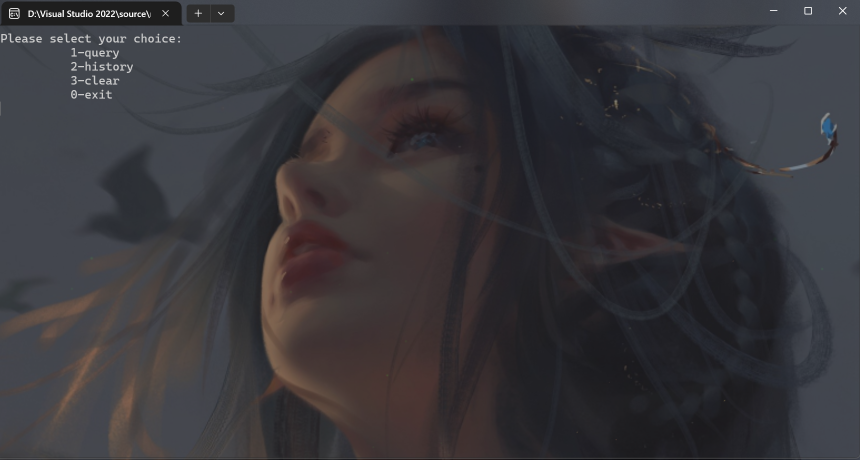
In the command window, you can perform queries, exit the program, view query history, or clear the history.

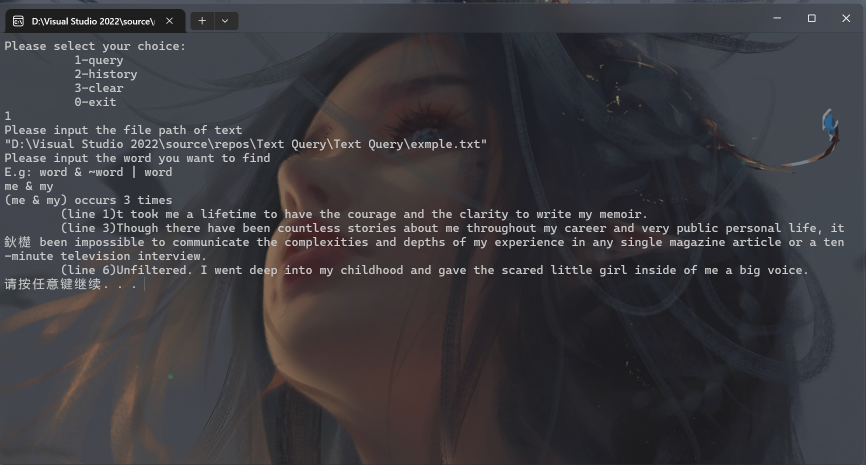
In the query window, enter the path to the text file and the keyword. You can use &, |, and ~ for advanced search operations.

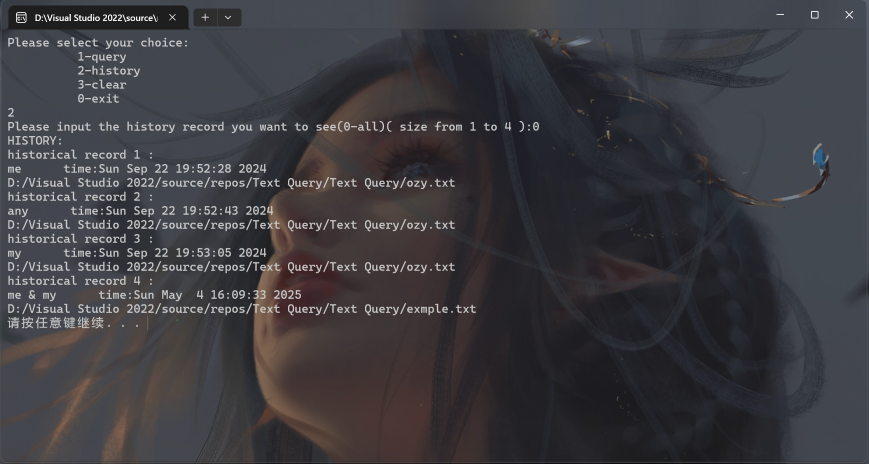
In the history window, view your past queries. Enter 0 to display the entire history.

For detailed information, please check the GitHub repository: https://github.com/jlu005807/Text_Query.git

My game🕹️

Tetris

Tetris

My first completed game.
There are still some bugs—feel free to try it and discover them!

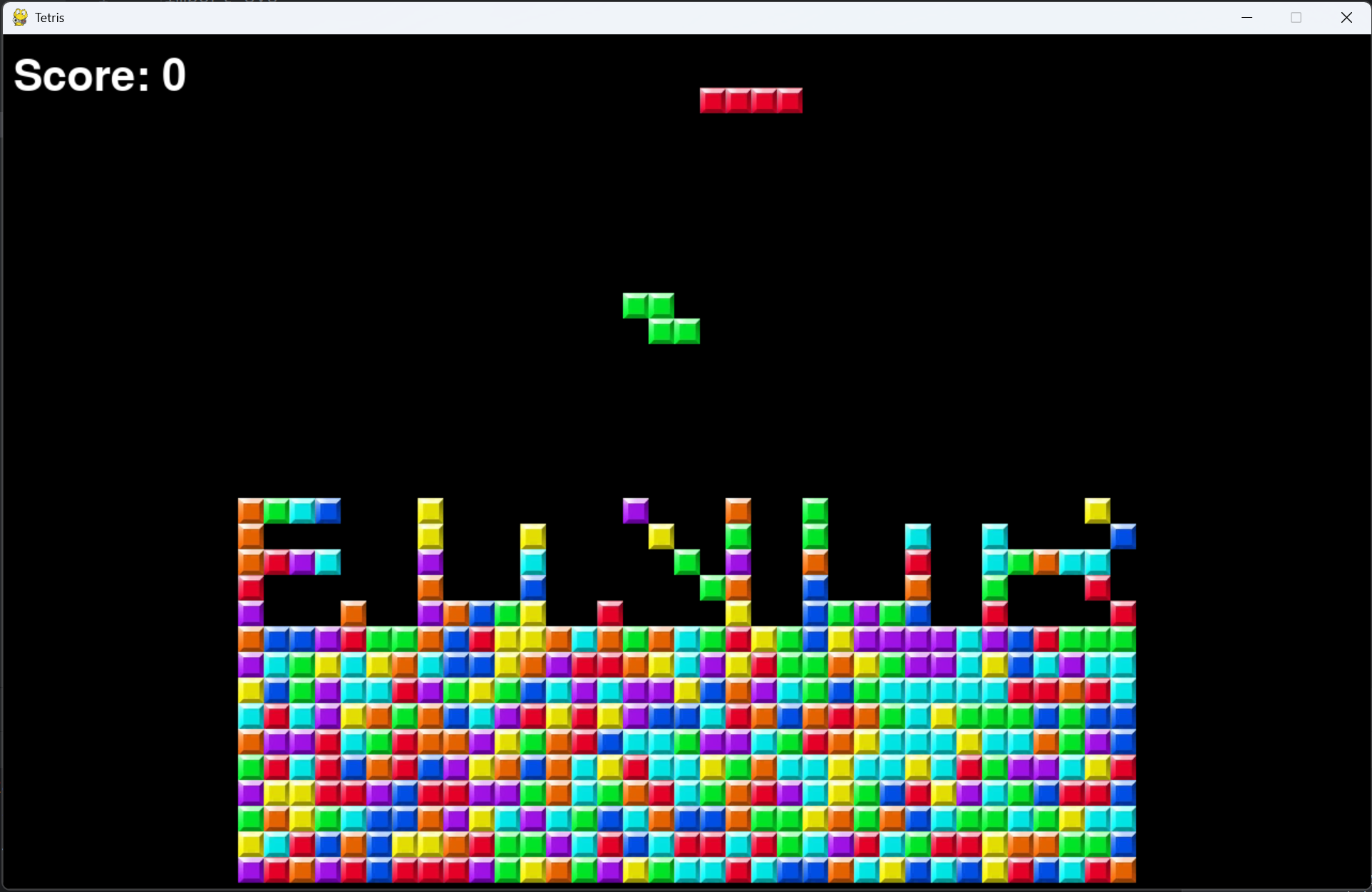
🧩 Game Introduction

Tetris is a classic and popular game worldwide. Try it out and see if you can find the bugs!

⚙️ Features

  • 🧩 Classic gameplay: Enjoy the timeless Tetris experience.
  • 🎨 Colorful interface: Visually appealing design.
  • 🏆 Score tracking: Keep track of your best scores.
  • 🐞 Challenge bugs: Discover and report any issues.

📷 Screenshots

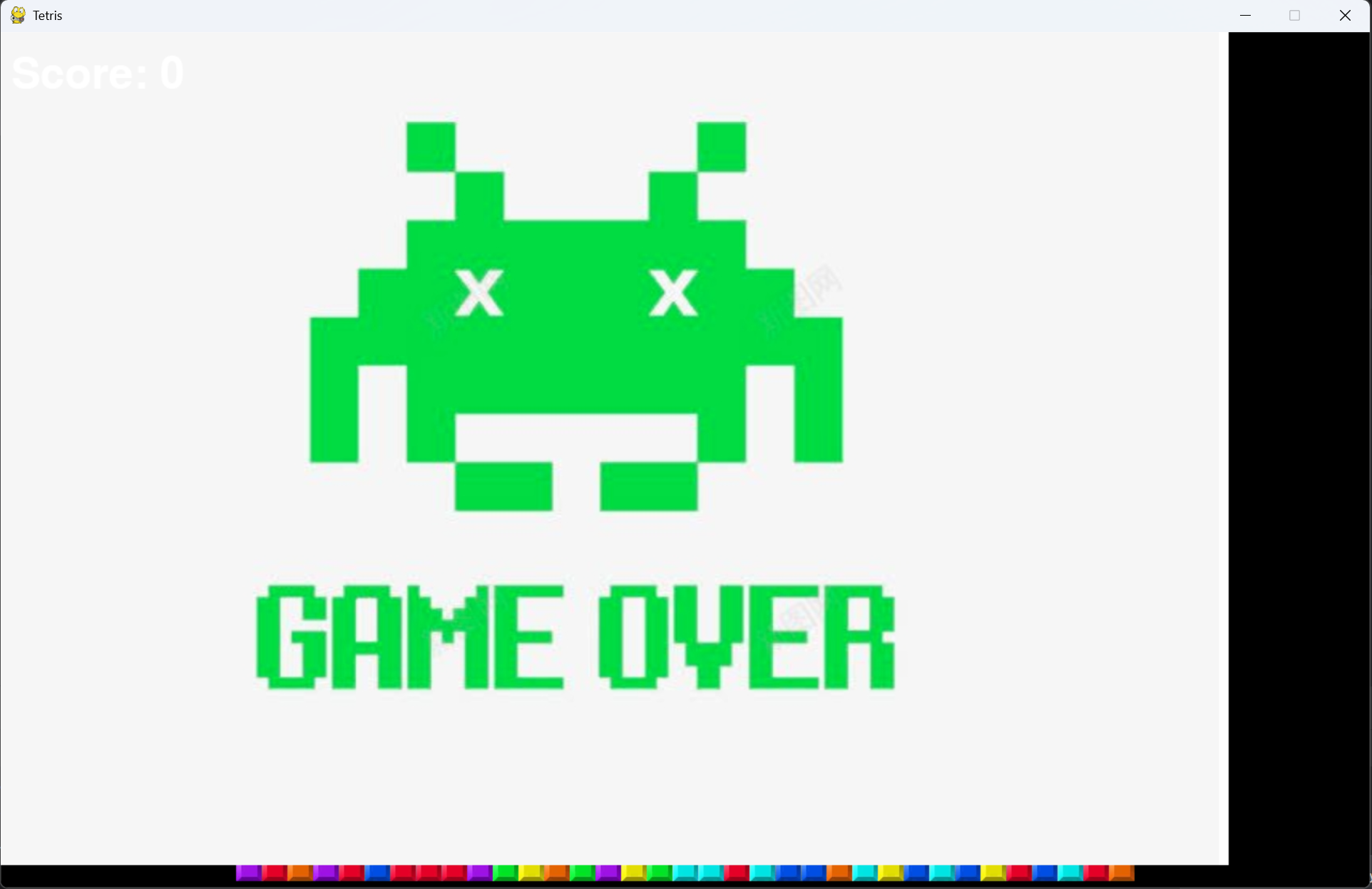
The game over screen displays your final score.

For detailed information, please check the GitHub repository: https://github.com/jlu005807/Tetris

My Project🧑‍💻

Addressbook

Addressbook

A simple address book system for learning purposes.
Download the files to explore more.

📇 Project Introduction

AddressBook is a contact management system. It stores personal information such as name, phone number, email, and address, as well as notes and tags for each contact.

⚙️ Features

  • 📇 Contact management: Add, edit, and delete contacts easily.
  • 🔍 Quick search: Find contacts by name, phone, or address.
  • 📝 Information editing: Update contact details anytime.
  • 🗑️ One-click clear: Remove all contacts with a single action.

📷 Screenshots

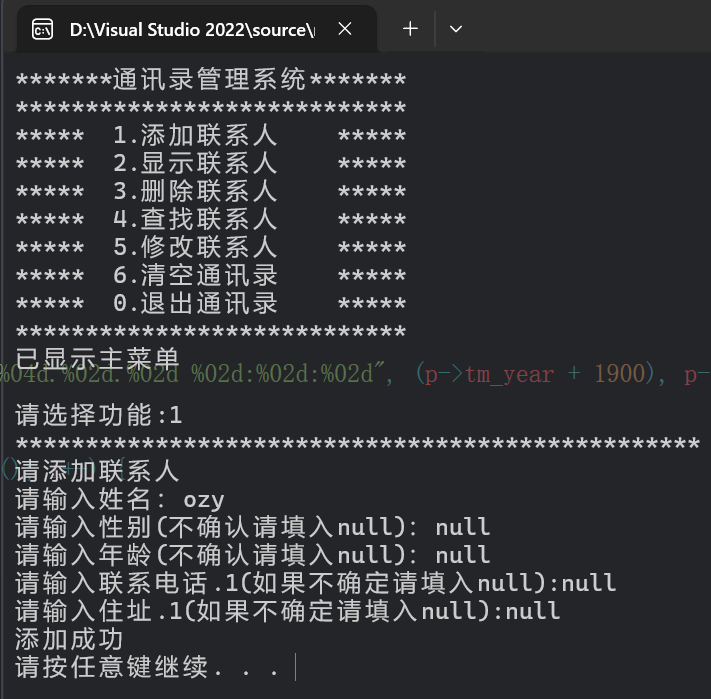
First, add a new contact with details such as name, gender, phone number, and address.

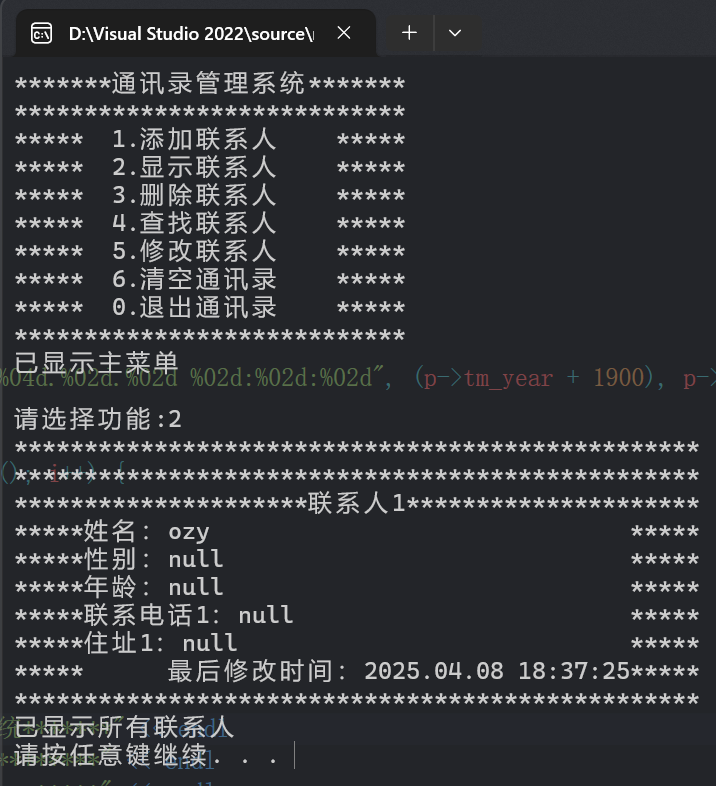
Then, view all contacts in the address book.

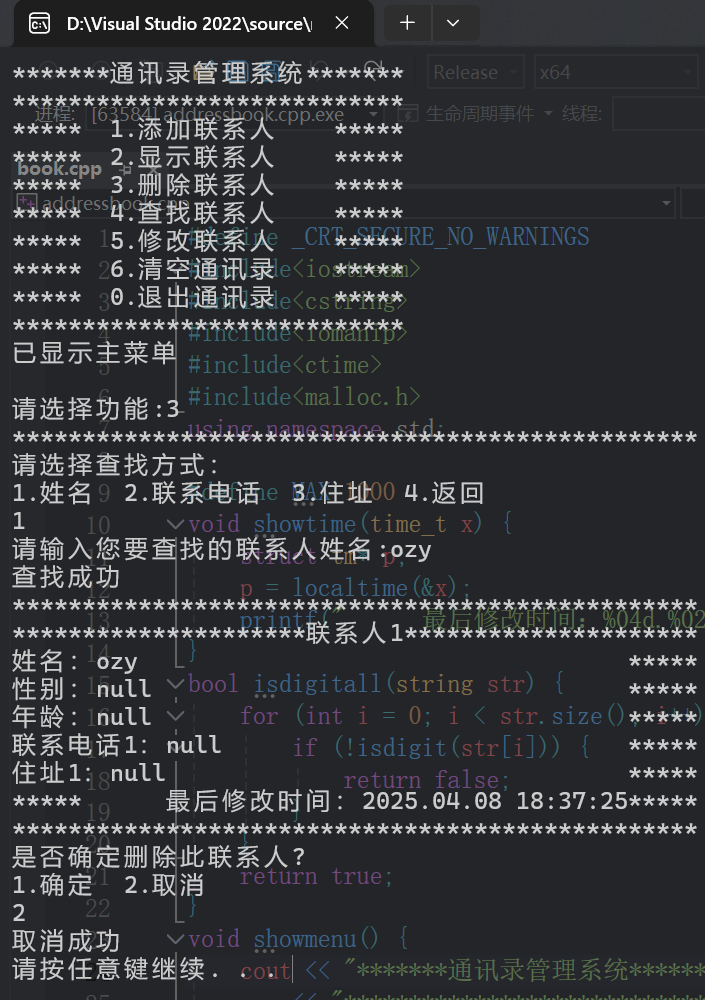
Delete contacts by searching for them.

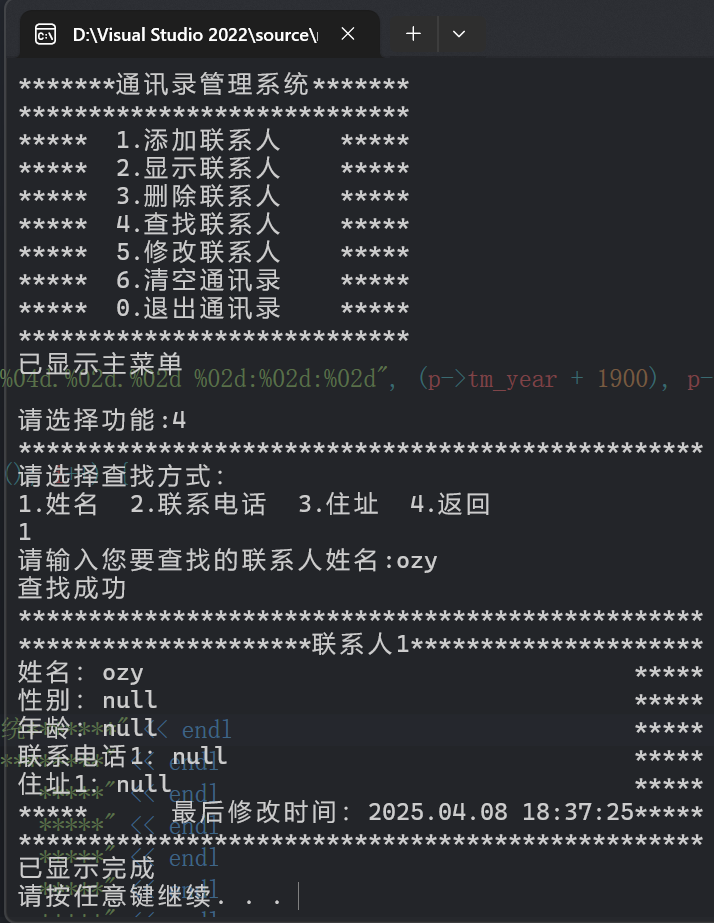
Search for contacts by name, phone number, or address.

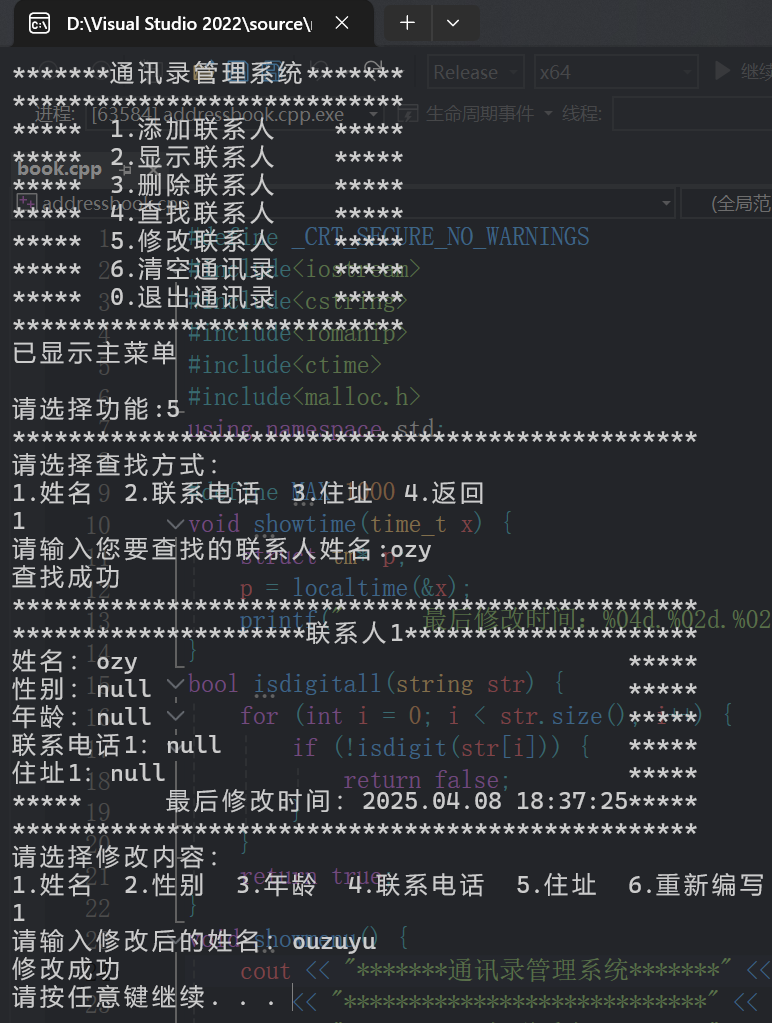
Edit contact information as needed.

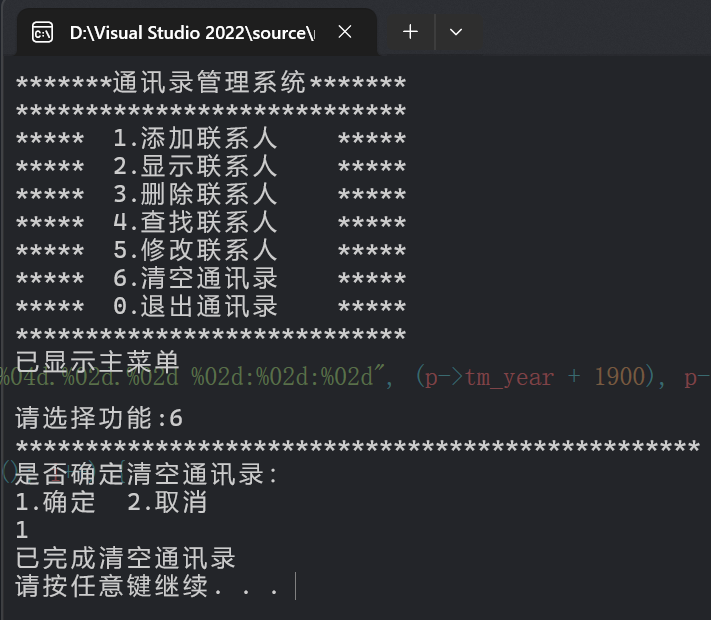
Clear all contacts from the address book.

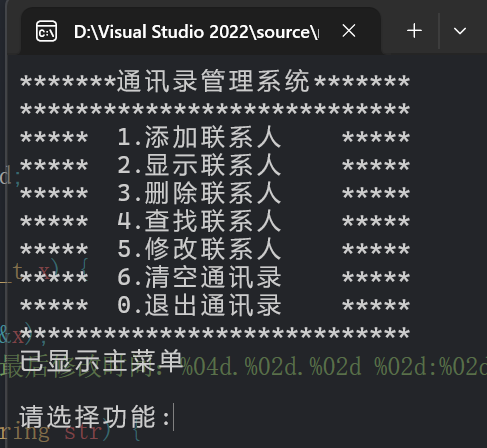
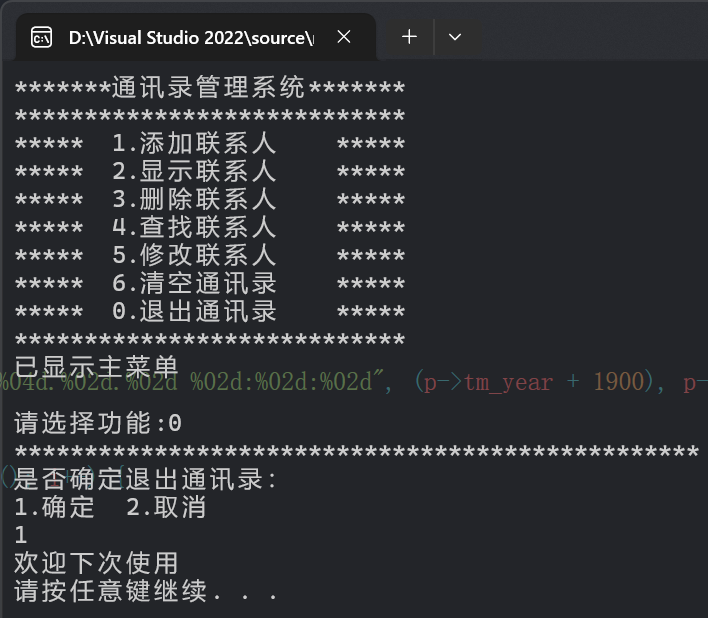
Finally, you can exit the program.

For detailed information, please check the GitHub repository: https://github.com/jlu005807/addressbook

My Project🧑‍💻

reservation

Reservation

A project for managing computer room reservations.
Download the files to learn more.

💻 Project Introduction

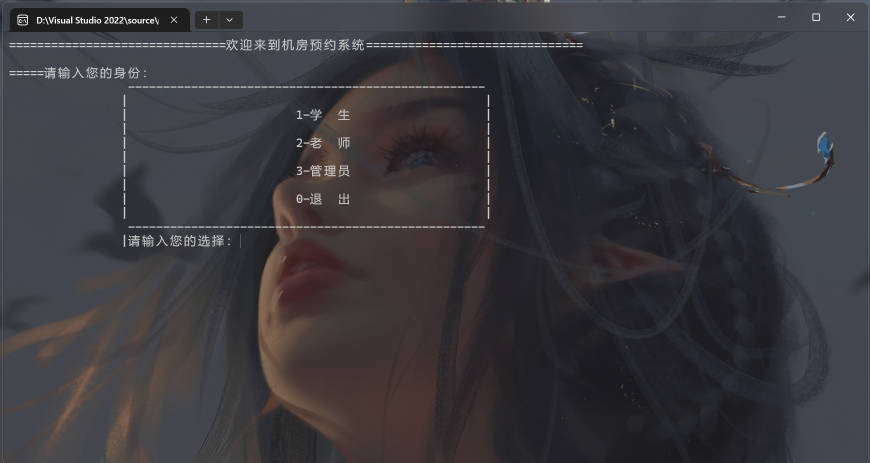
This project simulates a computer room reservation system for schools. There are three types of users: students, teachers, and administrators.

⚙️ Features

  • 💻 Multi-user support: Students, teachers, and administrators.
  • 🕒 Reservation management: Book, view, and cancel reservations.
  • 🔒 Permission levels: Different access for each user type.
  • 📊 Statistics: View and analyze reservation data.

📷 Screenshots

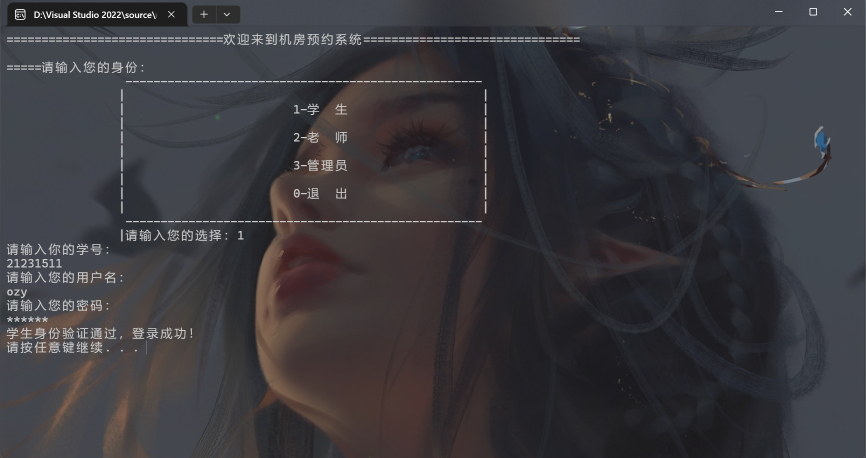
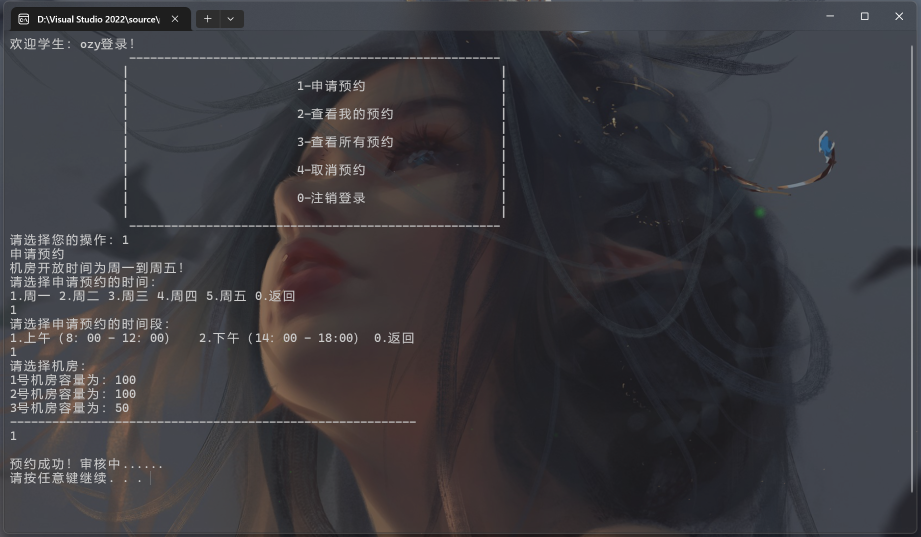
On the student page, log in with your student number and password to reserve a computer room.

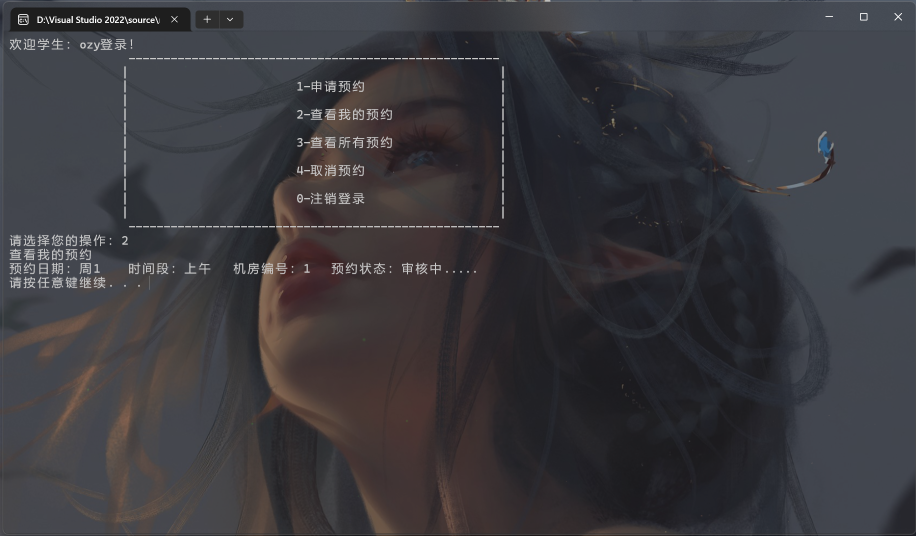
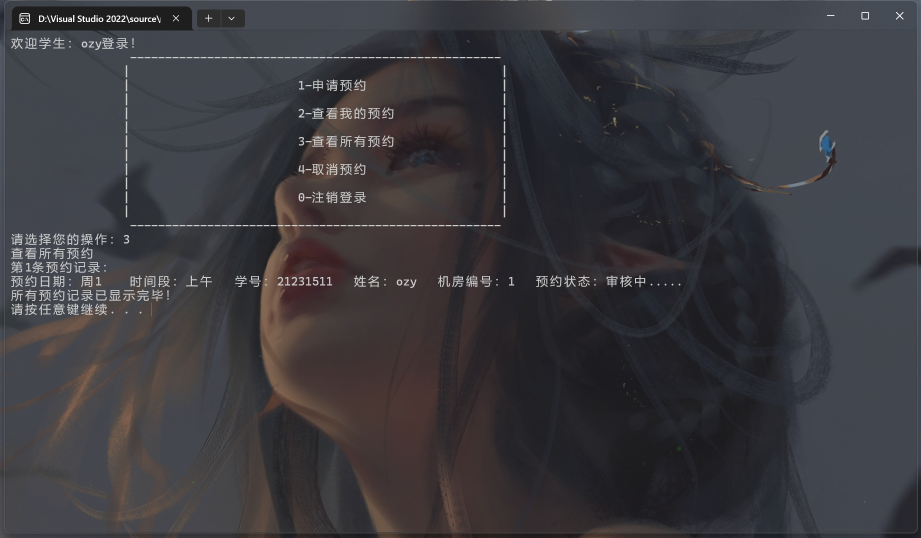
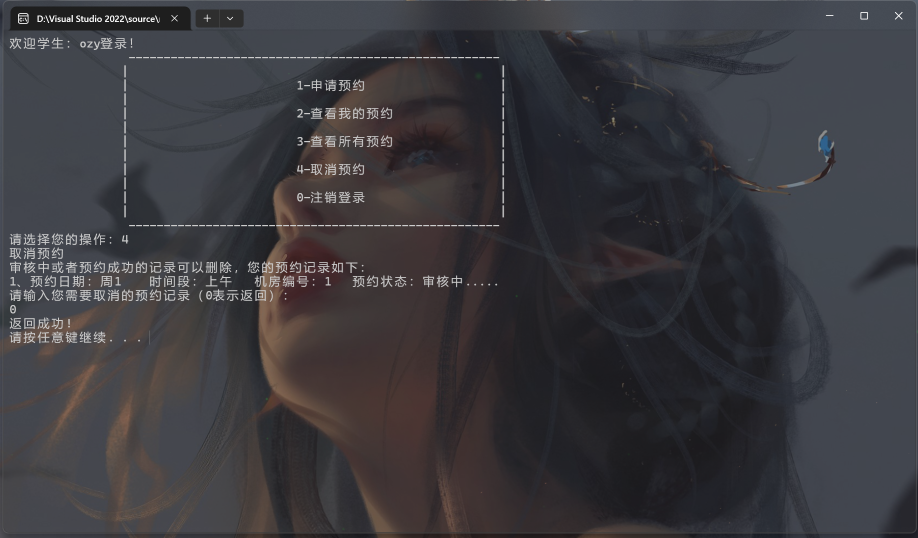
Students can also view and cancel their reservations.

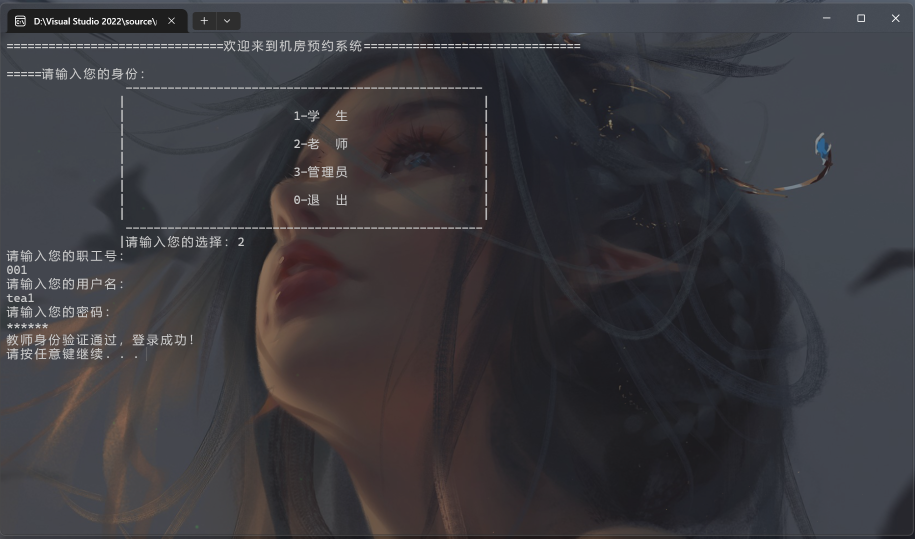
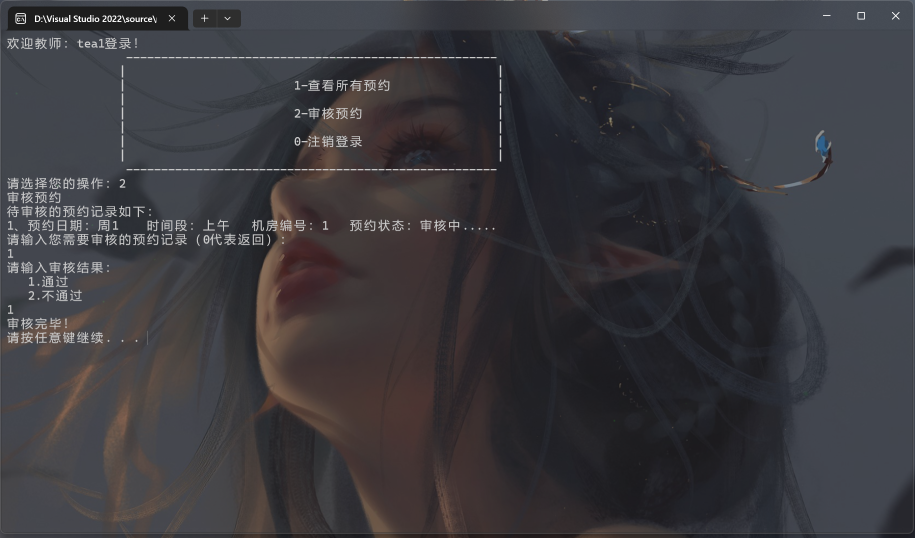
On the teacher page, log in with your teacher number and password.

Teachers can view all reservations and verify them.

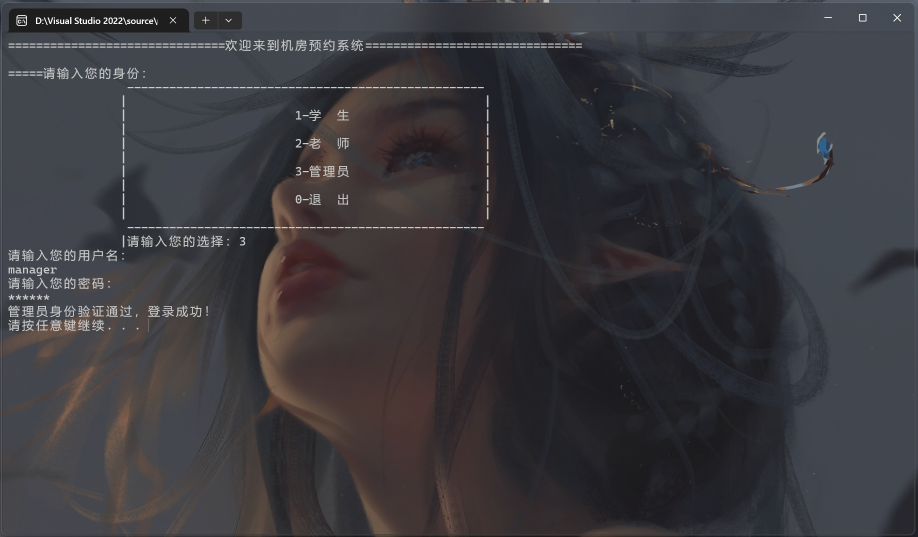
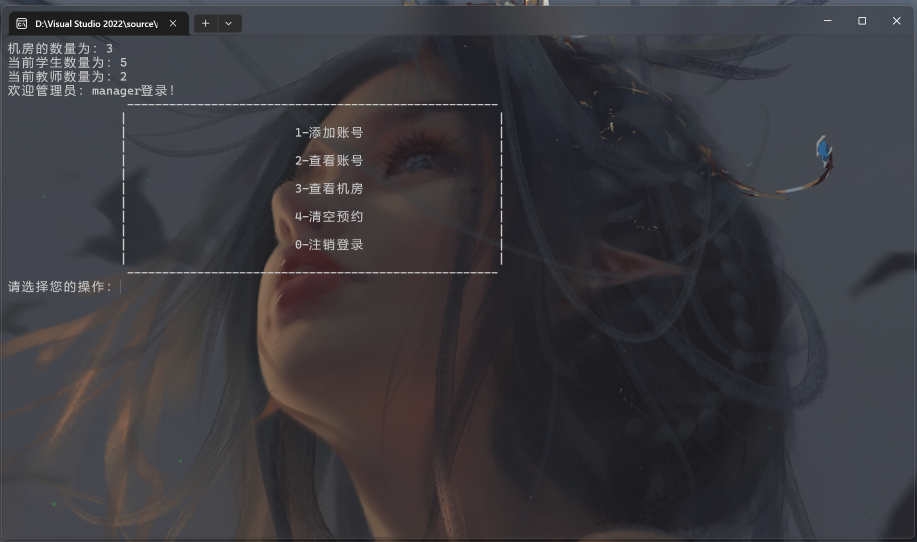
On the administrator page, log in with your administrator number and password to manage the computer rooms.

Administrators can add, delete, and modify student and teacher accounts, as well as manage reservations.

For detailed information, please check the GitHub repository: https://github.com/jlu005807/the-reservation-of-computer-room.git

My Project📚

BookSystem

BookSystem

Modern Library Management System based on Java Swing,you can try out\artifacts\ bookSystem_jar\bookSystem.jar.

BookSystem is a comprehensive library management system built with Java Swing, featuring a three-tier architecture design. It supports book search, borrowing, returning, and user management functionalities. The system boasts a beautiful modern interface with real-time search, card-based display, and permission management features, making it suitable for universities, libraries, and similar institutions.

Core Features

  • 🔍 Smart Search:Fuzzy and real-time search by title, author, and ISBN
  • 📚 Book Management:Card-based display with add, delete, borrow, and return operations
  • 👤 User Management:Role-based access control with real-time borrowing status
  • 🖥️ Modern UI:Custom components with unified design and responsive layout
  • 🗃️ Data Persistence:MySQL database support with JDBC connection pooling

Technical Architecture

Built with a classic three-tier architecture: Presentation Layer (Java Swing GUI), Business Logic Layer (Controller), and Data Access Layer (DAO), ensuring clear structure, easy maintenance, and scalability.

System Features

  • Duplicate borrowing prevention and borrowing limit control
  • Automatic inventory management and borrowing record statistics
  • User-friendly error handling and empty state management
  • Comprehensive logging and troubleshooting capabilities
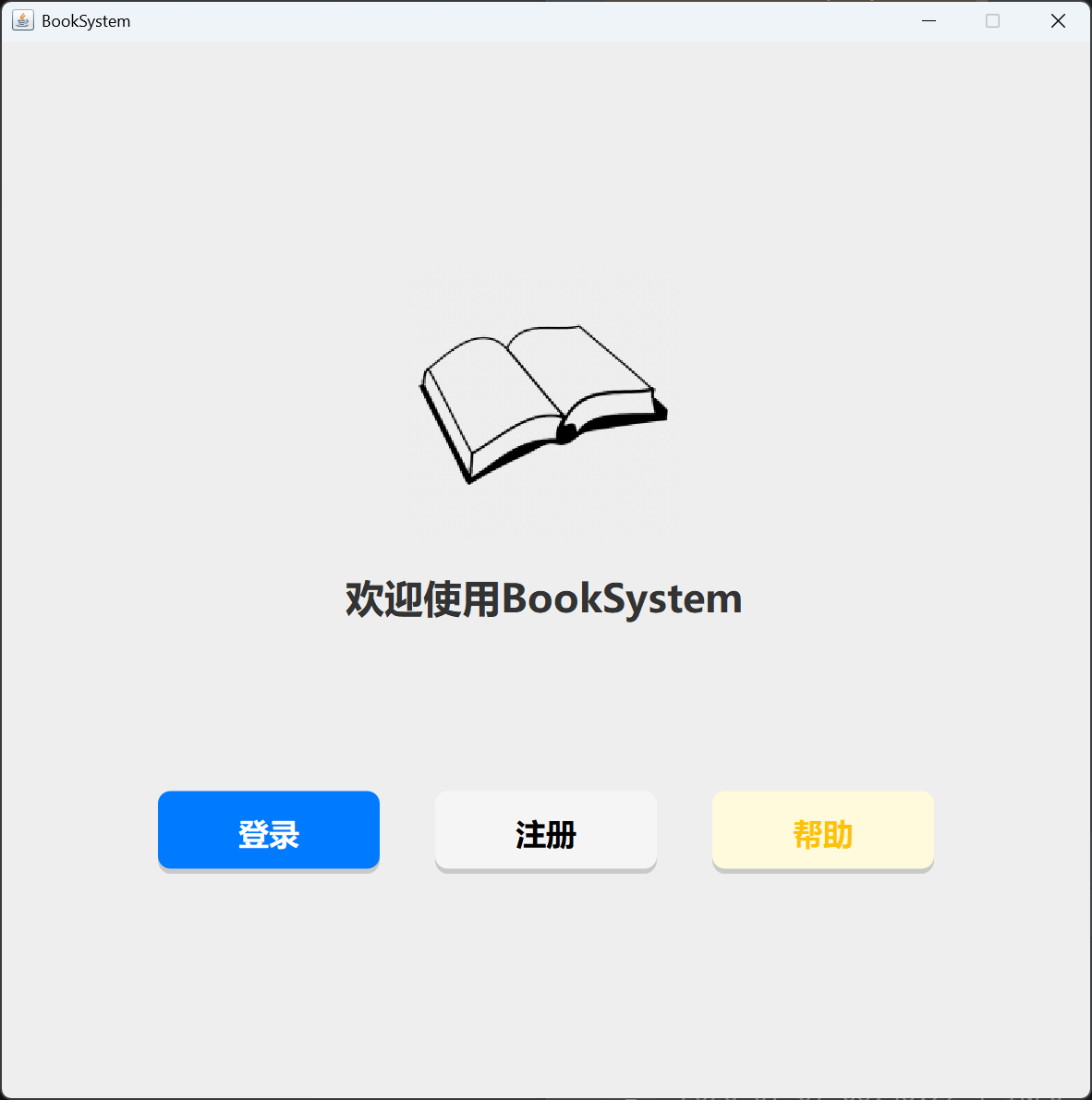
    Firstly,you can see the main page of the system. there are three buttons in the main page,login,register,and help.
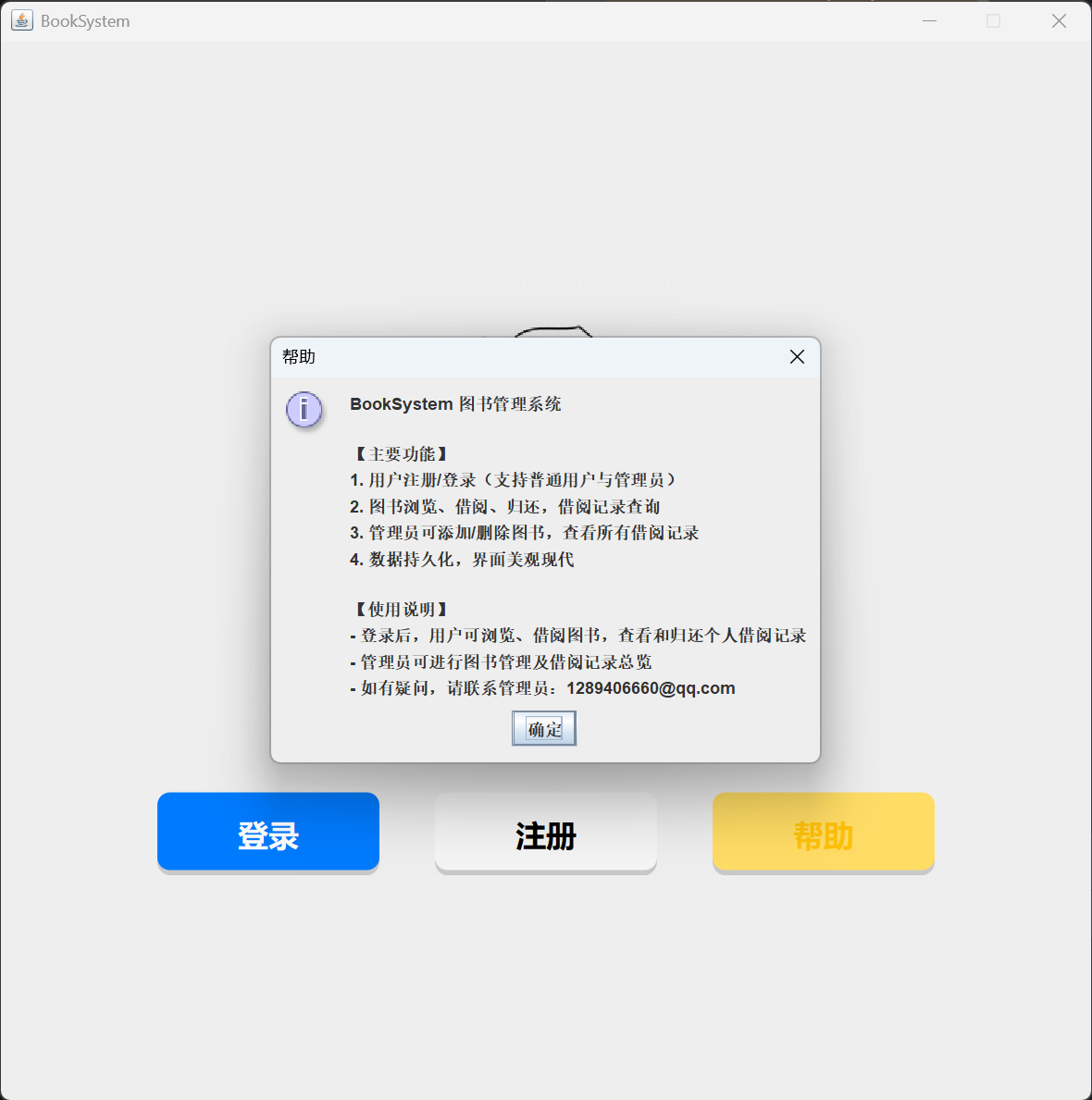
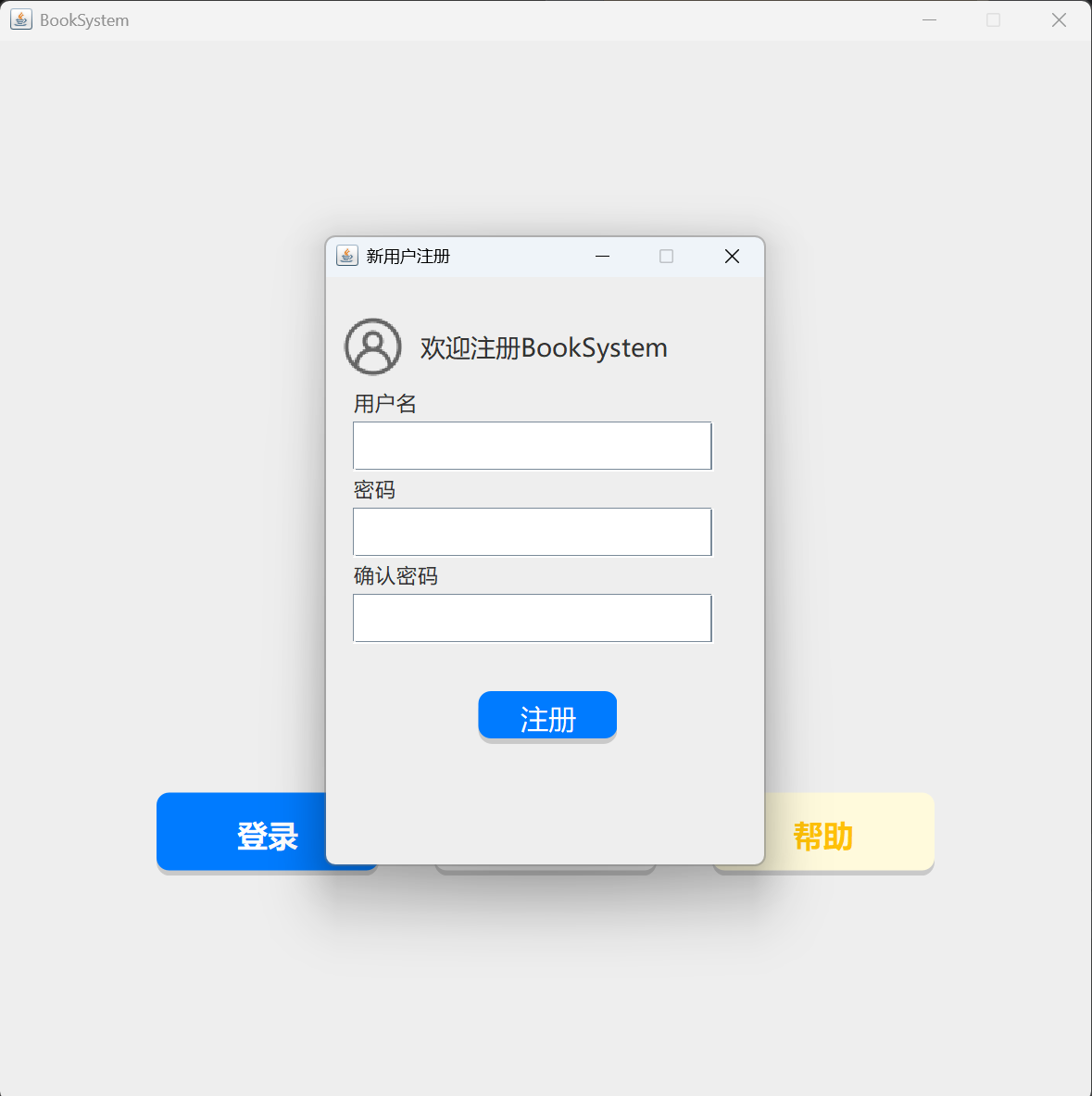
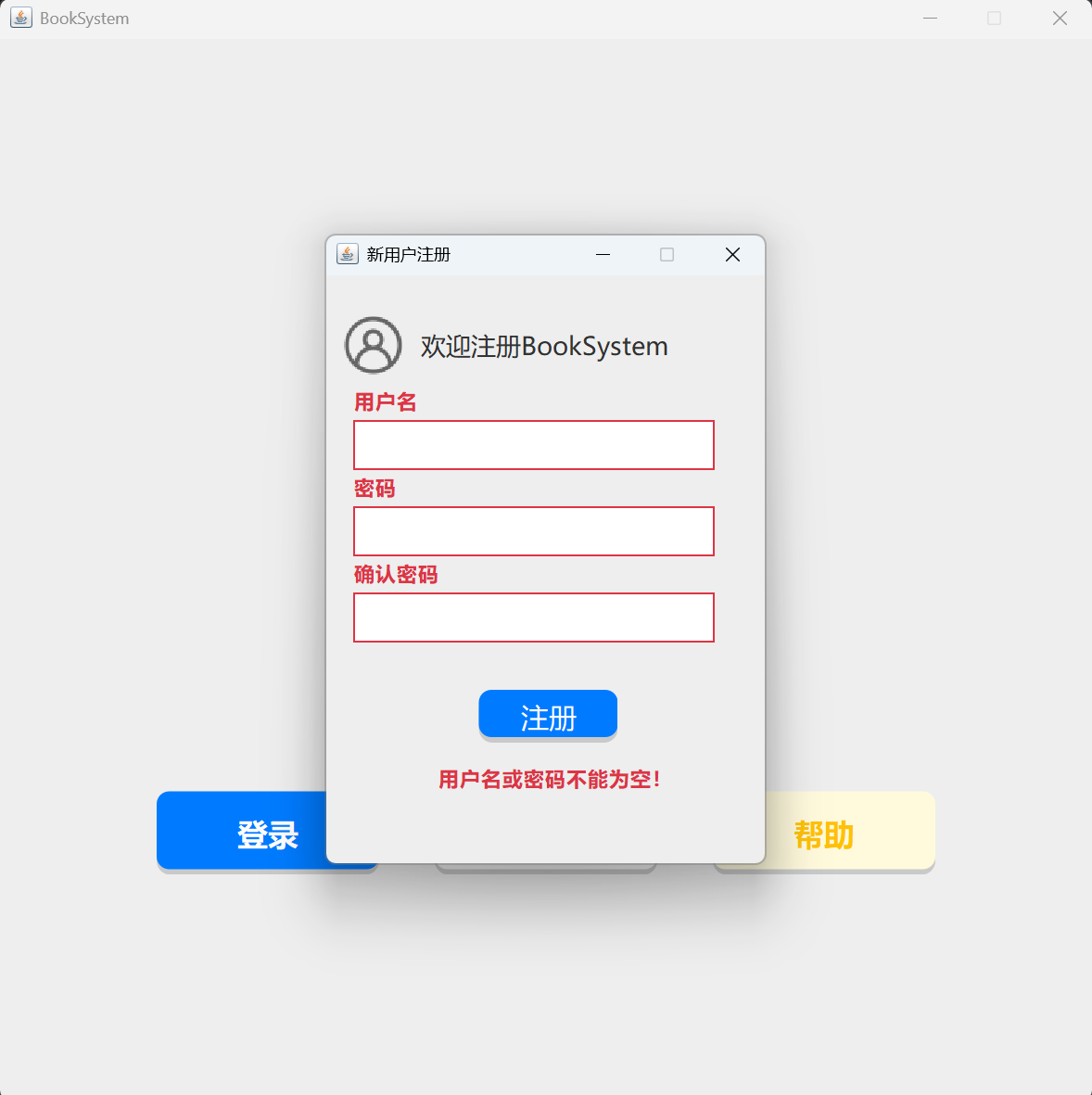
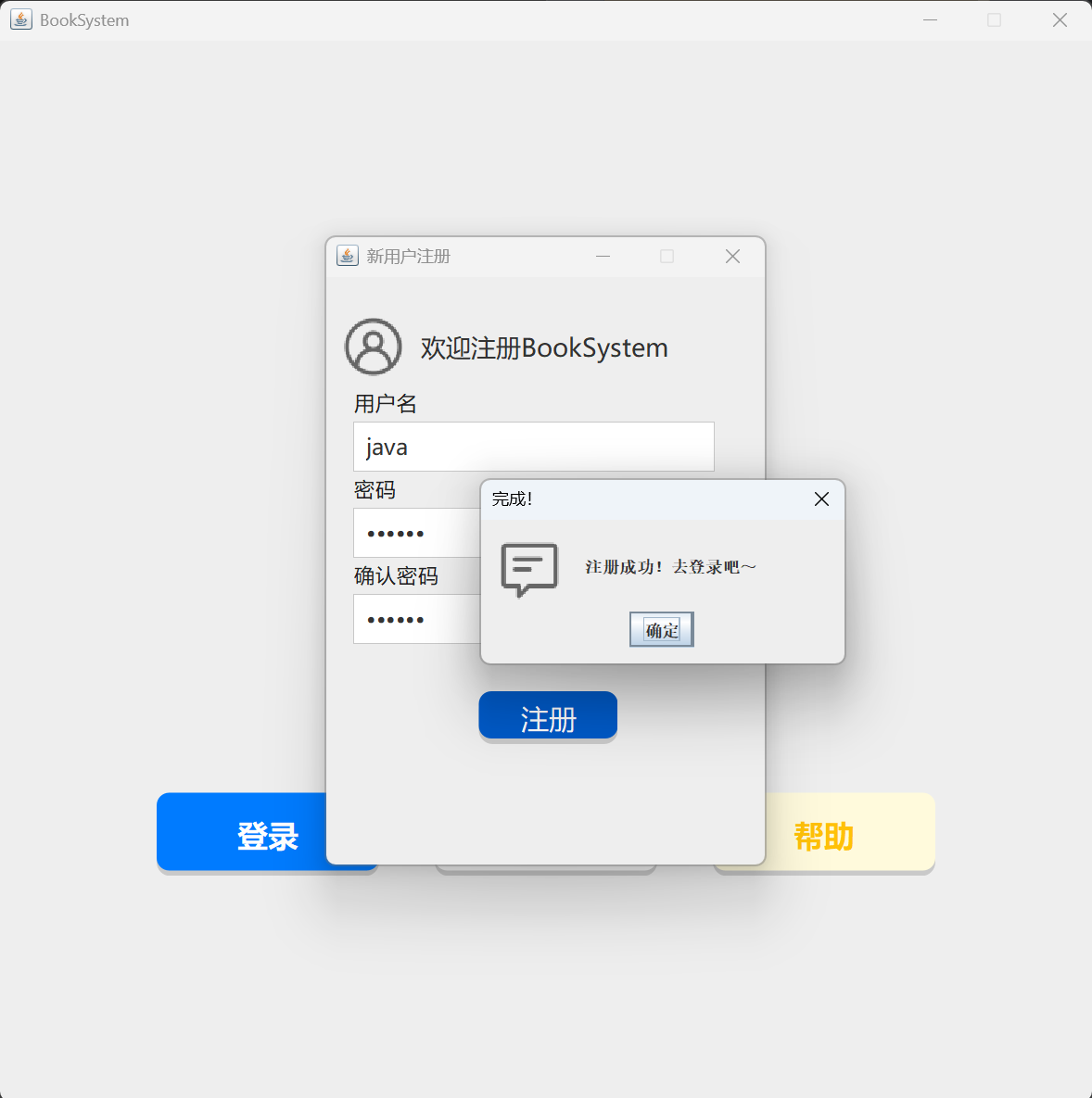
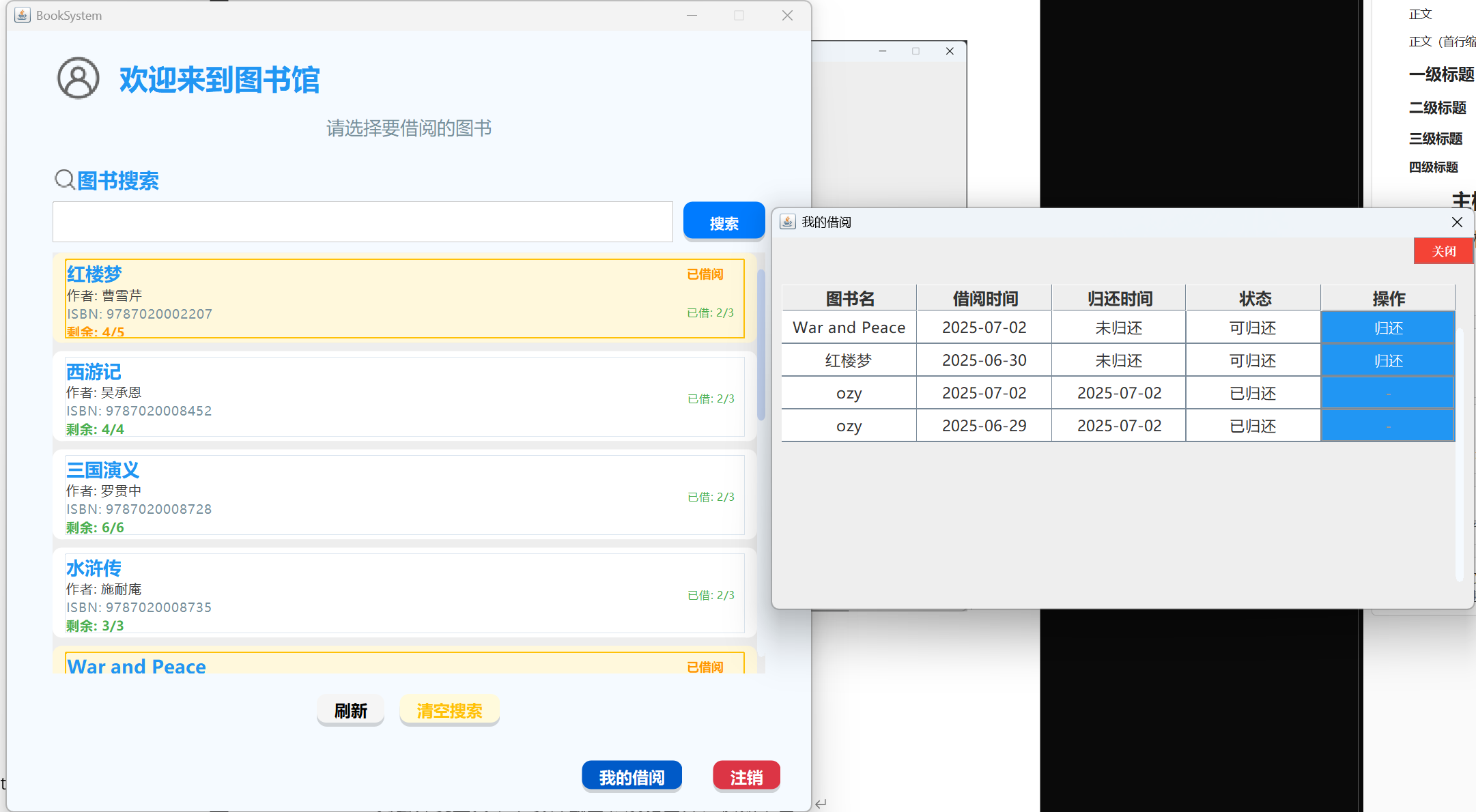
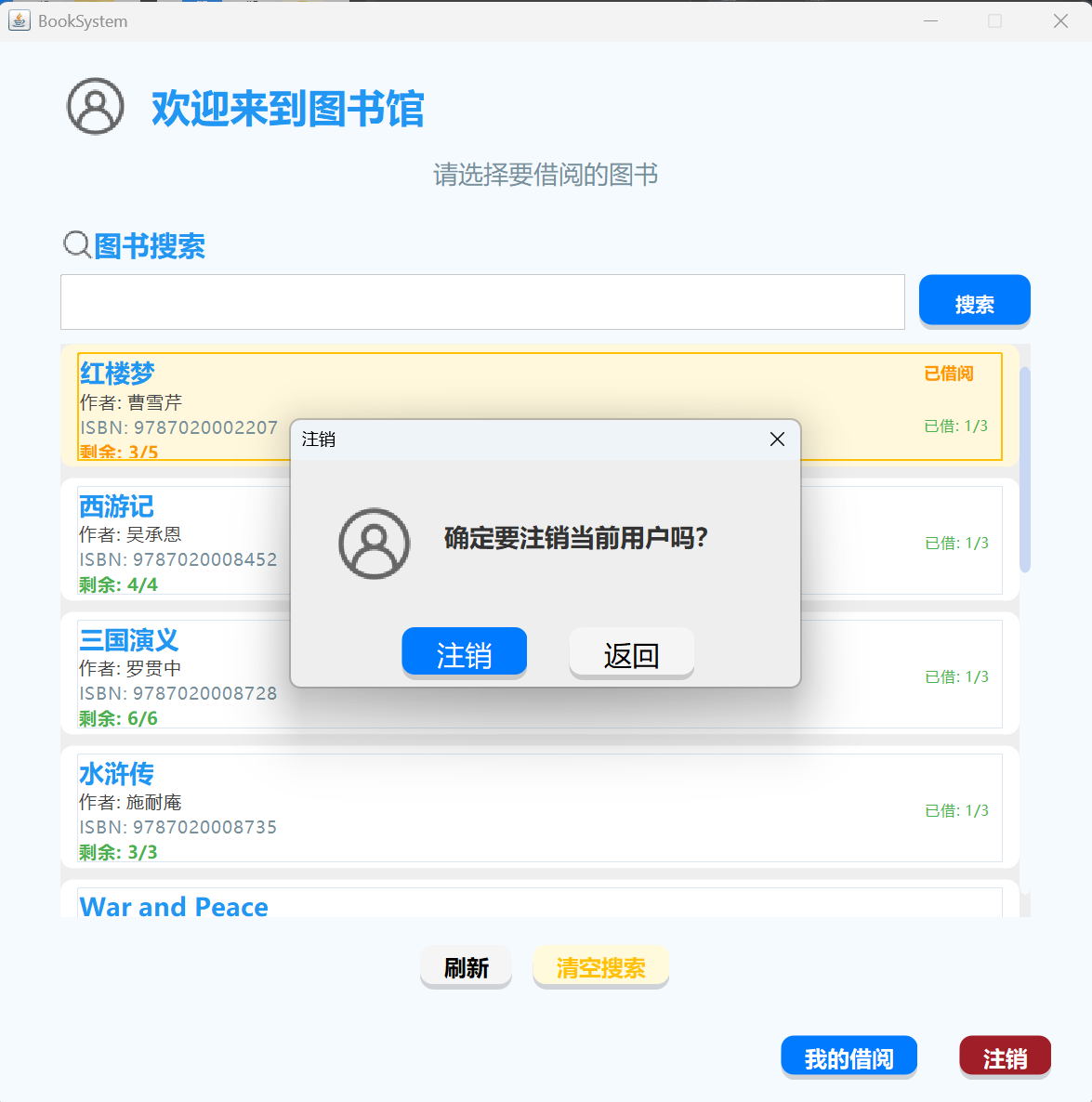
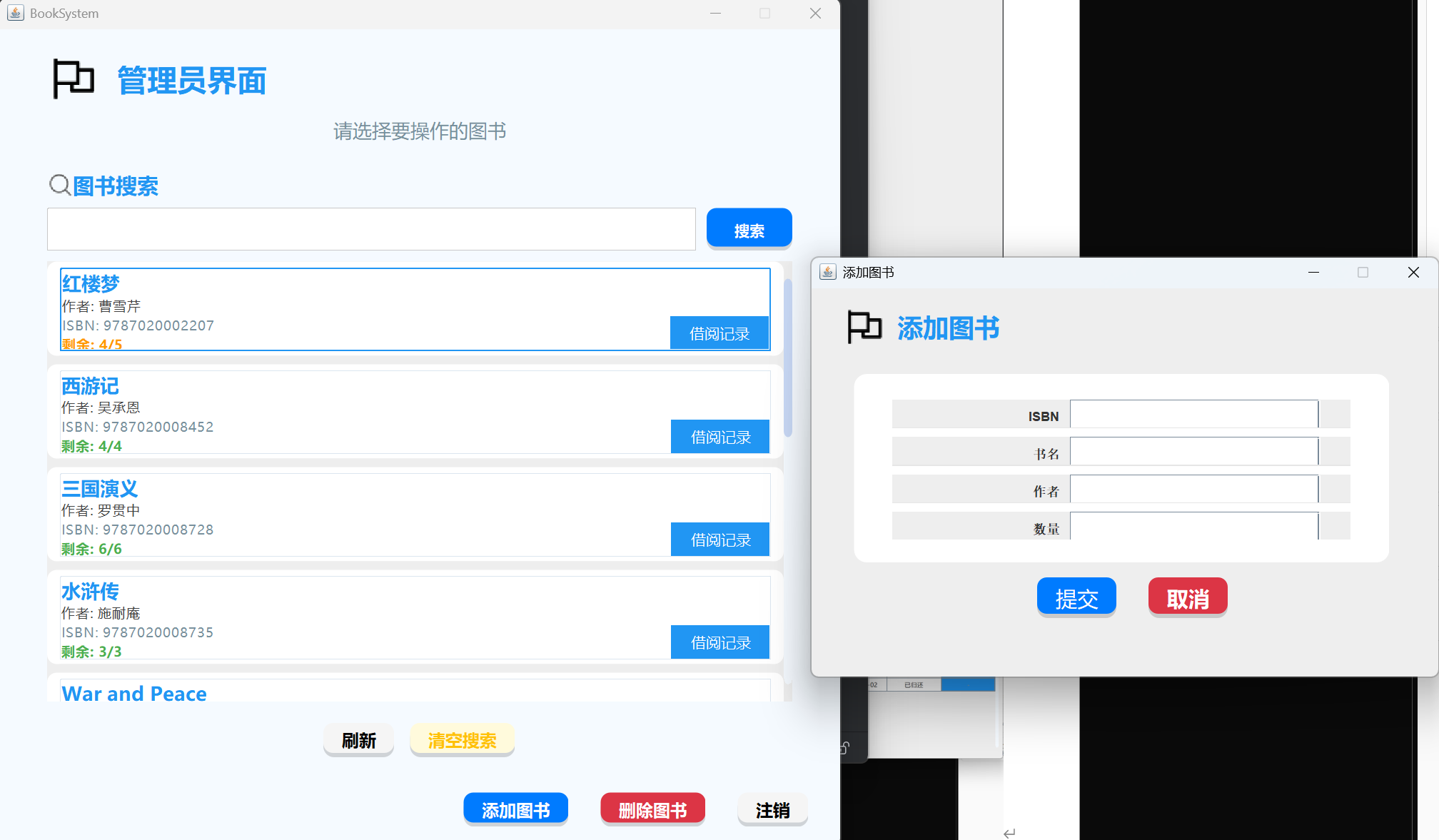
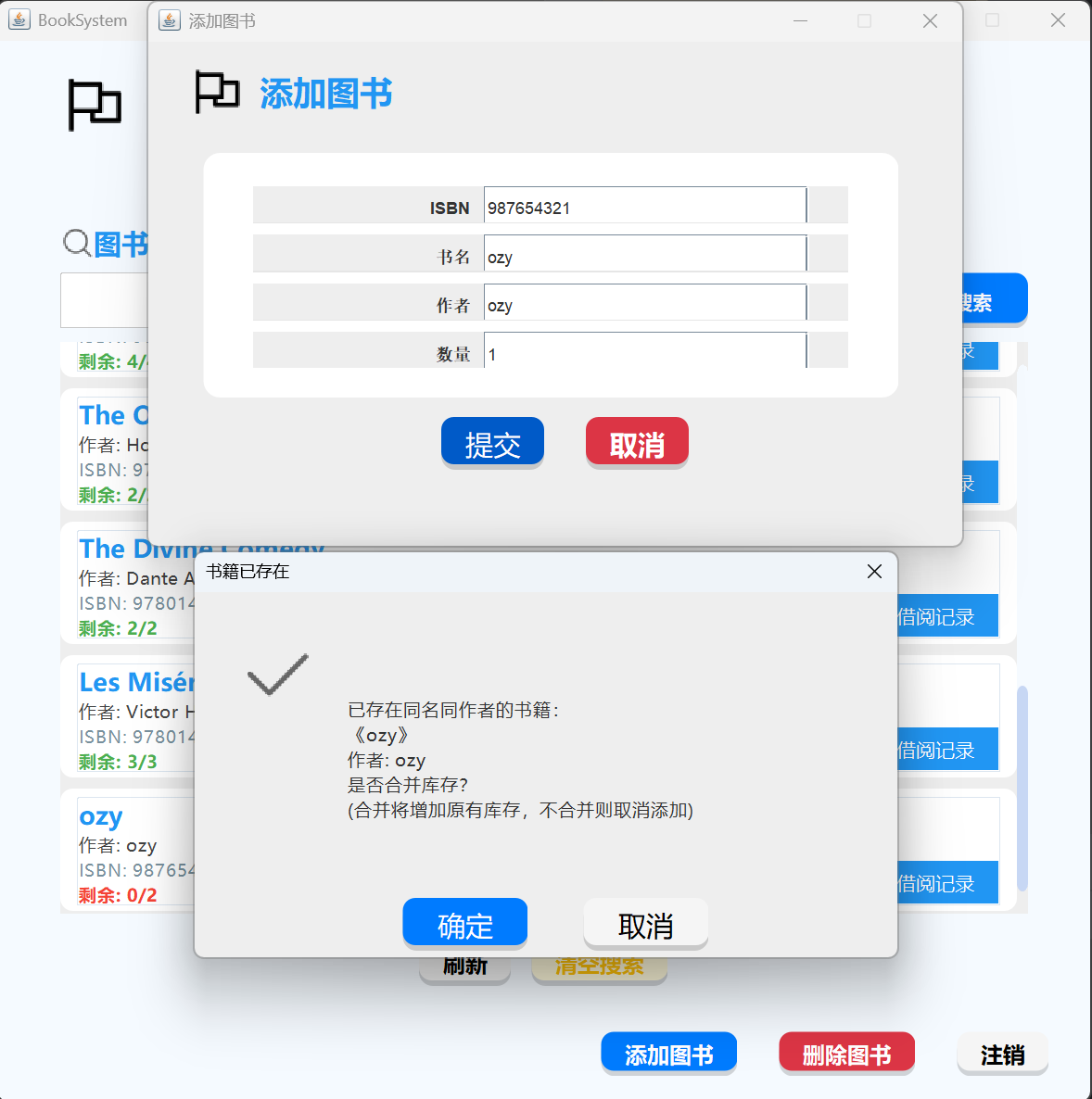
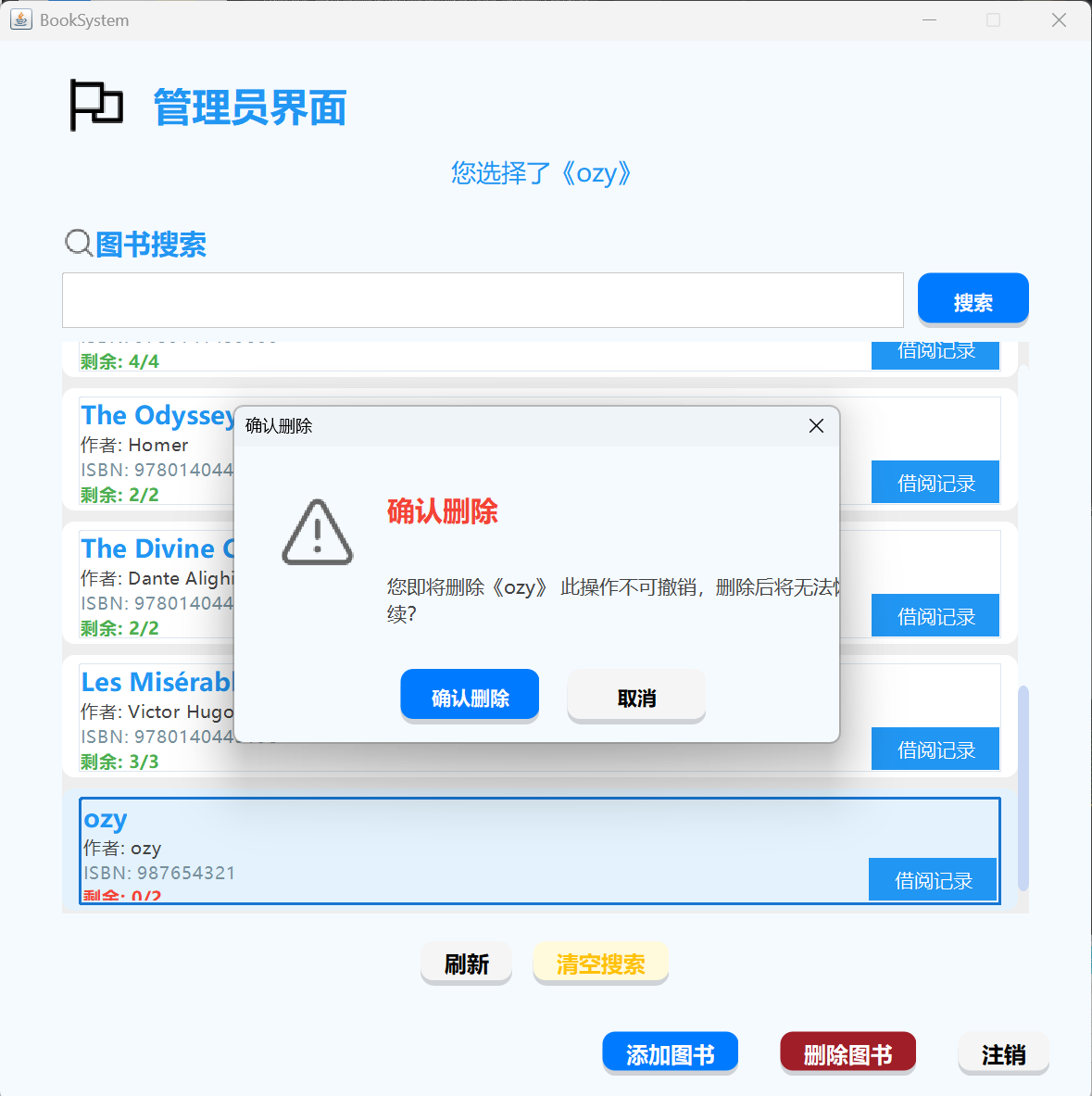
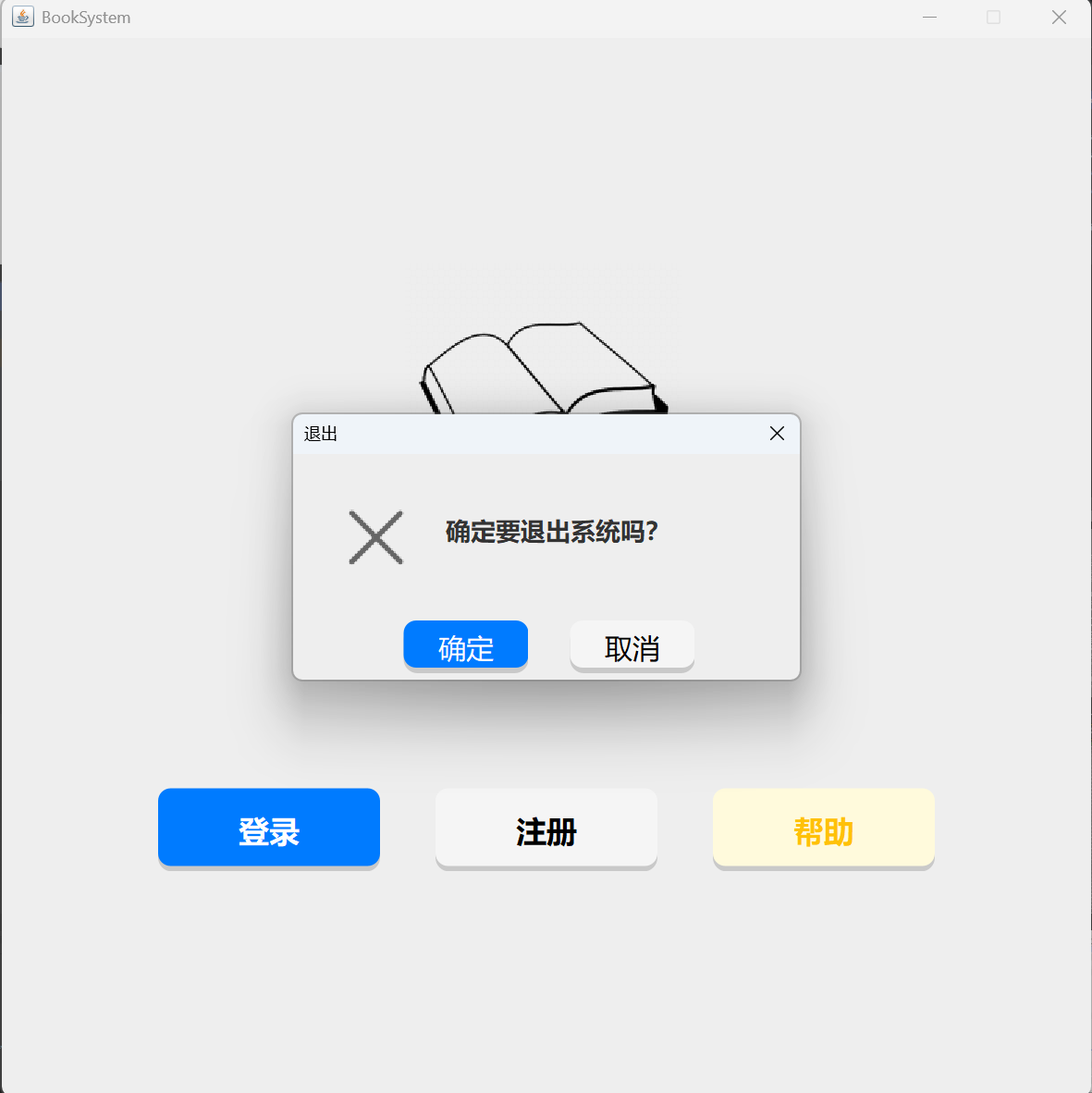
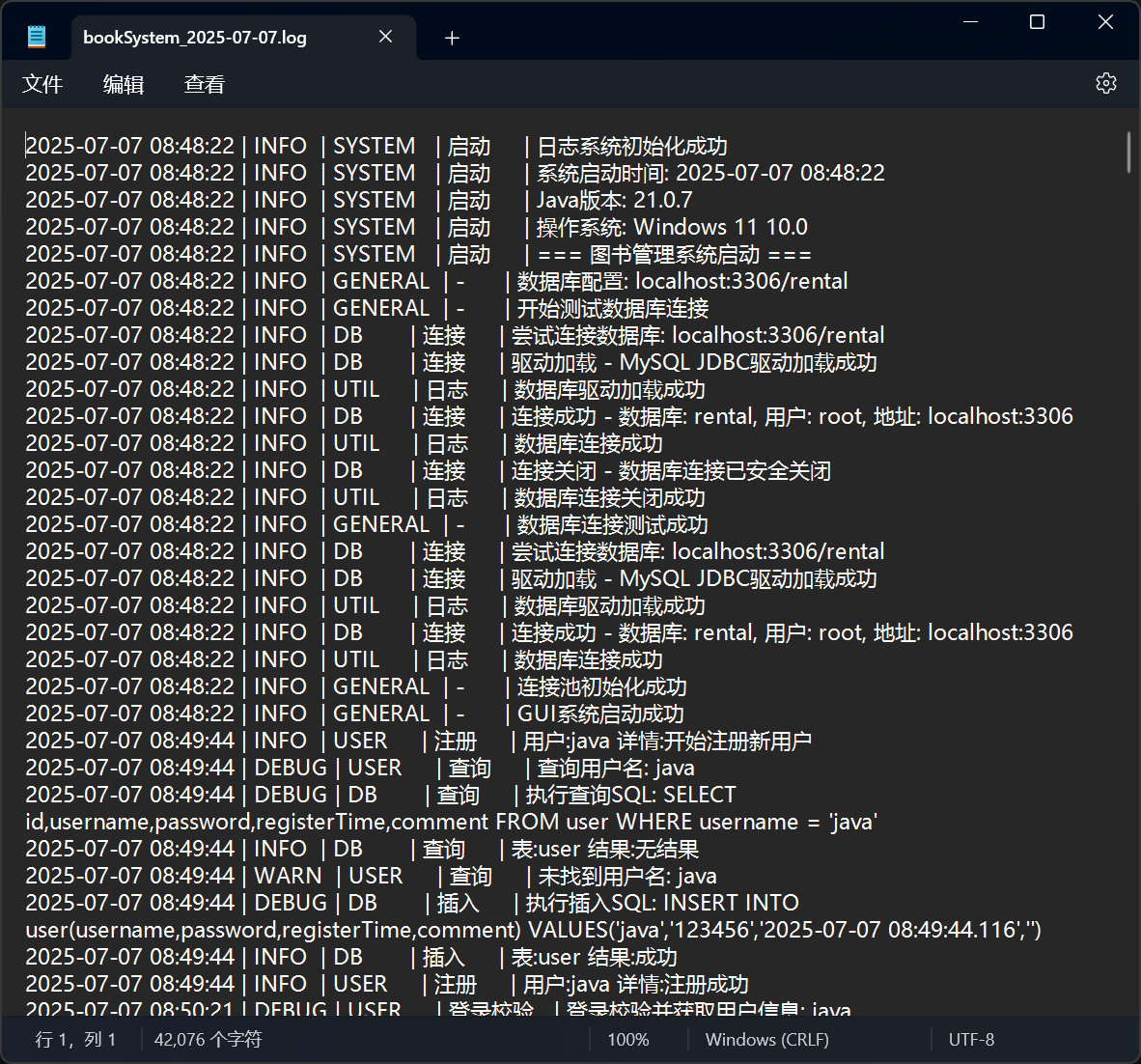
in the help page,you can see the help information of the system. there is my QQ and email. and then,the register page. you can register a new user. you must input your username,password,and second password. the second password must be the same as the first password. Otherwise the page will warning you. in login page you will see the same warning. registe successful,you can login now. login successful,you can see the user page. you can search relative book by title,author,and ISBN. also return books on the Borrowing History screen. Please note that you cannot borrow the same book at the same time, and the maximum number of books you can borrow is 3 xiuxiu This is a logout feature that allows you to log out the current user and return to the main interface, as well as the admin interface in the admin page,can add new book , but If you add a book with the same name and author, you'll be prompted to merge or cancel in the admin page,also can delete book, firstly you should select the book through click,or search the book and click, and if the book is borrowed,you can delete it, but at the same time, the associated borrowing history will be deleted, even if it hasn't been returned At any time, you can close the system by clicking the "X" in the upper right corner. finally,you can see the log file like this.

For detailed information, please check the GitHub repository: https://github.com/jlu005807/BookSystem